Keyboard shortcuts
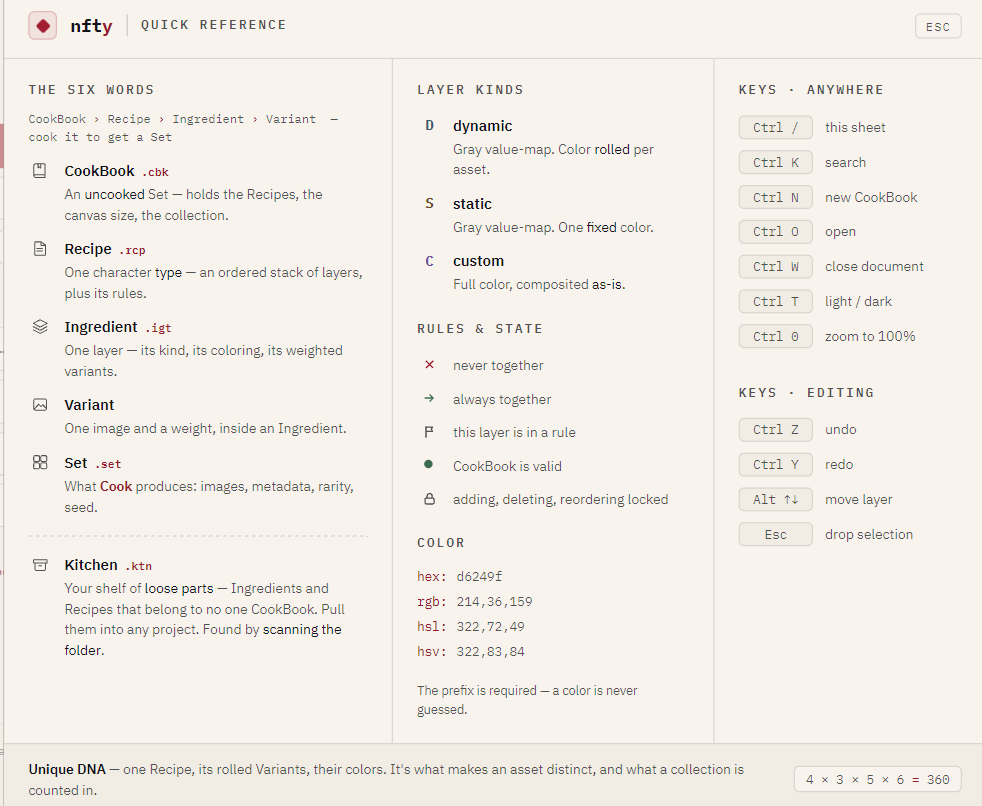
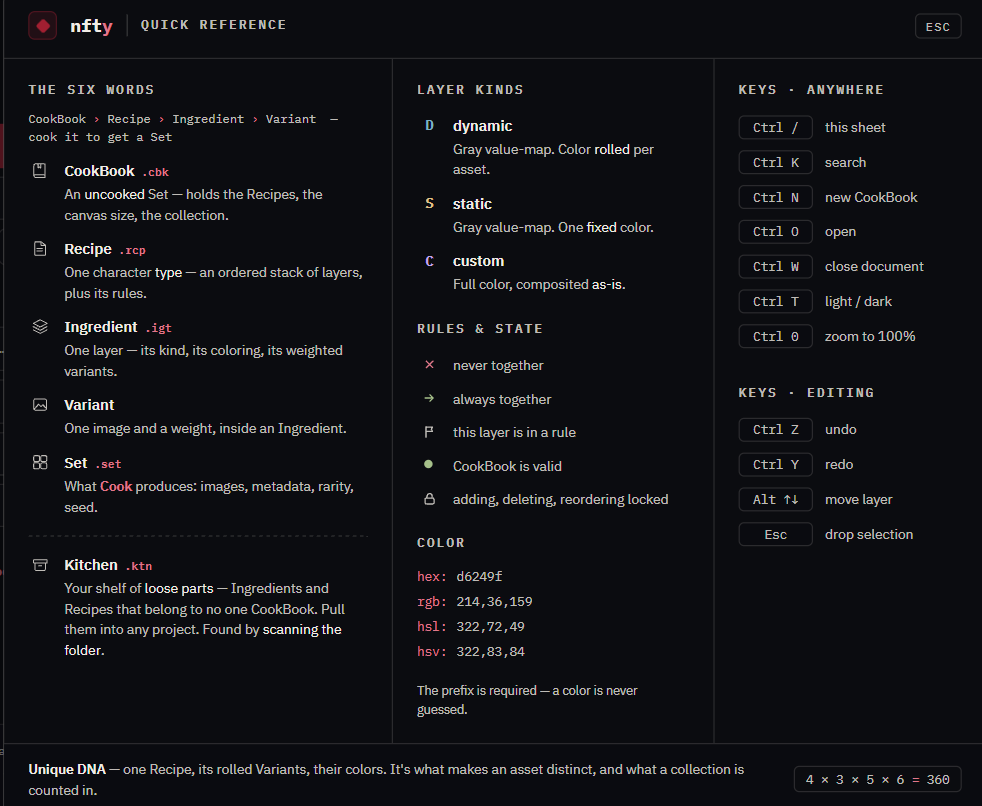
The app also carries this list: press Ctrl+/ for the quick-reference sheet.
Anywhere
| Keys | Does |
|---|---|
| Ctrl+/ | Open the quick-reference sheet |
| Ctrl+N | New CookBook |
| Ctrl+O | Open CookBook |
| Ctrl+I | Import a loose file |
| Ctrl+W | Close the open CookBook or Set |
| Ctrl+T | Switch between light and dark |
| Ctrl++ / Ctrl+- | Zoom the whole window in or out |
| Ctrl+0 | Reset zoom to 100% |
In the Explorer
| Keys | Does |
|---|---|
| Ctrl+K | Focus the search box |
| Alt+Up / Alt+Down | Move the selected layer up or down the stack (editing unlocked) |
In the Ingredient Editor
| Keys | Does |
|---|---|
| Ctrl+Z | Undo |
| Ctrl+Y | Redo |
| Esc | Drop the current selection marquee |
In any dialog
| Keys | Does |
|---|---|
| Enter | Confirm (in the create dialogs) |
| Esc | Cancel or close |
| Tab | Move between fields |
There is no theme button
Light and dark are keyboard-only, on Ctrl+T. The window chrome carries no theme control by design.