The Ingredient Editor
The Ingredient Editor is where a layer's variants are drawn and its colors are set. Open it from the pencil on an Ingredient's panel in the Explorer. It has three panes: variants on the left, the canvas in the middle, and a rail on the right with two tabs, COLORIZE and REFERENCES.
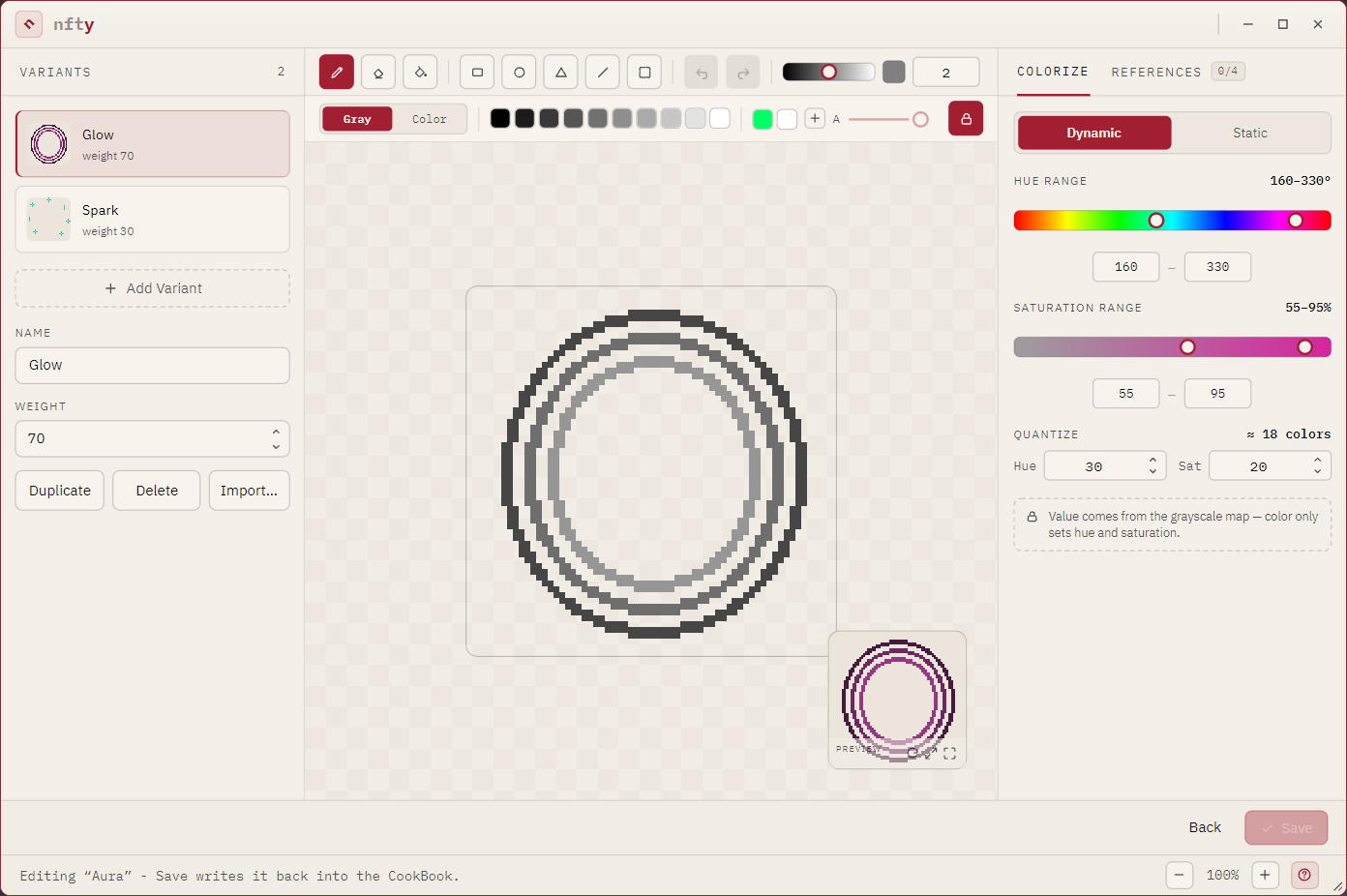
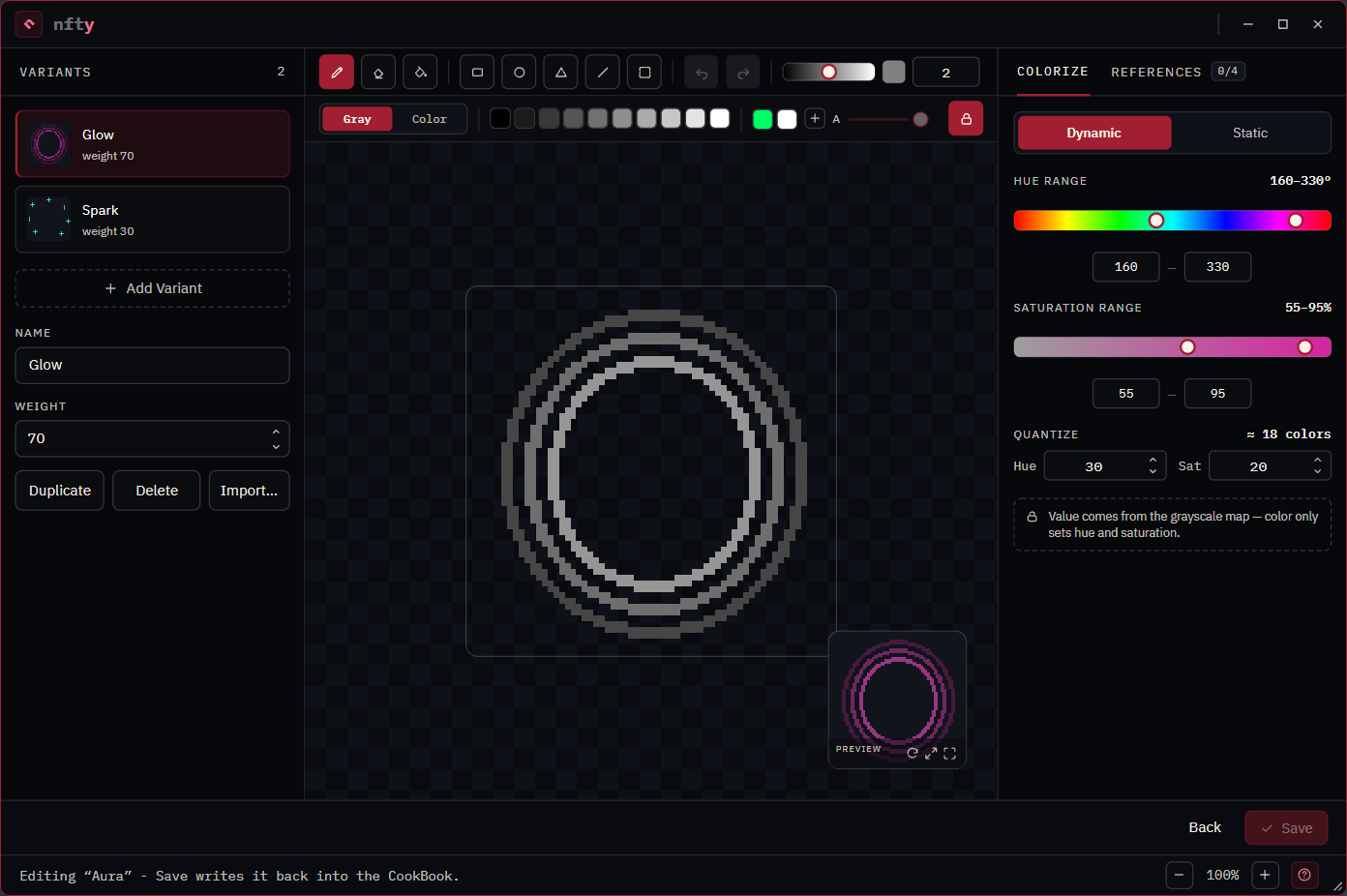
Painting works whether the book is locked or not; Save needs editing unlocked in the Explorer. The footer says why when Save is unavailable.
Variants (left pane)
Each variant with its name and weight. Add Variant adds an empty canvas; Duplicate copies the selected one; Delete removes it; Import… replaces the selected variant's art with a picture of exactly the canvas size (see Import art). Change a variant's NAME and WEIGHT in the fields above the canvas.
Tools


| Tool | Key | Does |
|---|---|---|
| Brush | B | Paints along the drag, at the brush size. |
| Eraser | E | Clears along the drag. |
| Fill | G | Fills the contiguous region under the click. |
| Rectangle | R | Press at one corner, drag, release. Filled. |
| Circle | C | The same, an ellipse. |
| Triangle | T | The same, a triangle in the dragged box. |
| Line | L | From the press point to the release point, at the brush size. |
| Select | M | Marks a region, then moves it. See below. |
| Undo / Redo | Ctrl+Z / Ctrl+Y | One step per edit. |
To the right of the tools: the value ramp (the gray you paint, or the brightness of a color), the current swatch, and the brush size (++left-bracket++ and ++right-bracket++ step it).
Every tool shows the exact pixels it will commit while you drag. Modifiers while drawing:
| Hold | Effect |
|---|---|
| Shift (or Ctrl) | A line or stroke snaps to 45 degrees; a shape's box becomes square. |
| Alt | A shape is drawn from its center. |
| Right mouse button | Erases with whatever tool is armed. |
| Esc | Cancels the stroke in progress. |
Select and move
Select is two gestures, told apart by where the drag starts:
- Drag on empty canvas to mark a rectangle. A dashed marquee shows it. Marking changes no pixel and is not an undo step.
- Drag from inside the marquee to move those pixels. Where they were is cleared, and the move is one undo step.
Ctrl+A marks the whole canvas (and arms Select); Del or Backspace clears the marked region; Esc, a click outside the marquee, or another tool drops it.
The canvas
The wheel zooms about the pointer, a middle-button drag pans, + / - zoom and 0 fits. While zoomed in, the arrow keys pan. The backdrop is a grid of the art's own pixels; its toggle and step sit above the canvas. Art is always scaled nearest-neighbor, never smoothed.
The preview tile in the corner shows the layer exactly as generation renders it, in a sampled color. Its three buttons re-roll the color, enlarge the tile, and swap the tile with the canvas so the preview fills the pane. Ctrl-click or middle-click it to open the viewer.
The palette strip


| Control | Does |
|---|---|
| Gray / Color | Switches paint mode. See Paint in color and use transparency. |
| Ten swatches | Ten grays, or ten hues in color mode. |
| Saved colors | Colors you kept with +; one list for Gray and one for Color. Right-click one to forget it. The book's own palette comes first and cannot be deleted here. |
| A slider | Alpha (opacity). Inactive while the padlock is on. |
| Padlock | The opacity lock, on by default: every pixel fully there or fully erased. |
COLORIZE tab
| Layer kind | The rail shows |
|---|---|
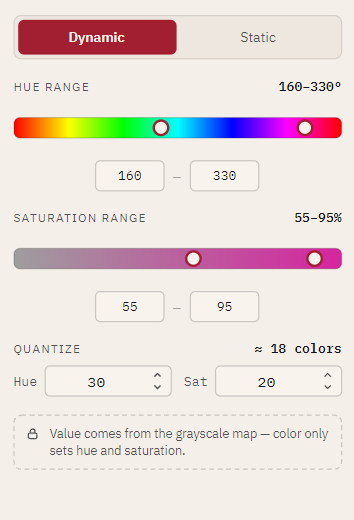
| Dynamic | HUE RANGE (0 to 360) and SATURATION RANGE (0 to 100) bound the colors the layer rolls. QUANTIZE sets how finely those are split into colors that count as different; the readout beside it is how many distinct colors the settings admit. |
| Static | One FIXED COLOR, as a color spec such as hex:d6249f. |
| Custom | A note that the art composites as-is and is never recolored. |
The Dynamic / Static switch changes the kind. Switching to Static asks first, because it drops the ranges. HSV / HSL picks the color model. A number field left empty or unreadable returns to its previous value; a range end typed past its axis lands on the nearest end. In color mode the rail becomes PAINT HUE and PAINT SATURATION plus a hex field.
REFERENCES tab: line one layer up with another
Eyes have to land on a face. Reference layers show the rest of the character while you draw one piece.
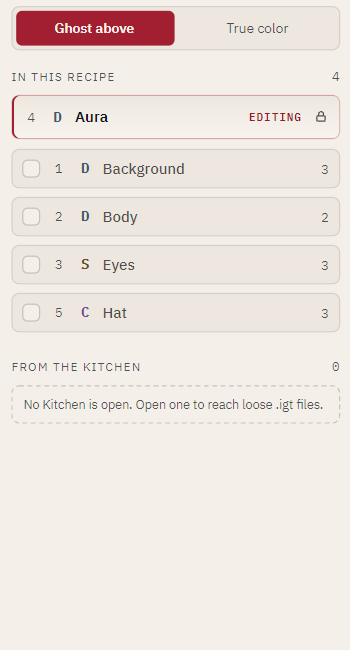
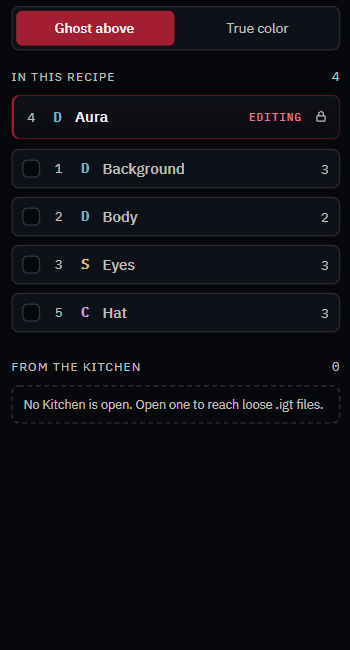
- IN THIS RECIPE lists the Recipe's other layers. Tick one to composite it at its real depth:
UNDER layers draw normally below yours, OVER layers draw dimmed above it. The counter
(
4 / 6 on) says how many are showing. - Ghost above dims the layers above you; True color shows the honest composite. Switch to True color to check a fit, back to keep drawing.
- FROM THE KITCHEN lists loose
.igtfiles in the open Kitchen, so you can line art up against a part that is not in this Recipe.
Footer
Back returns to the Explorer (asking if there are unsaved changes). Rise opens the saved layer on the Rise page; it is dim while there are unsaved edits, because Rise reads what is saved. Save writes the layer and the book. Save validates the book first and refuses to write one that would be invalid.