The Explorer
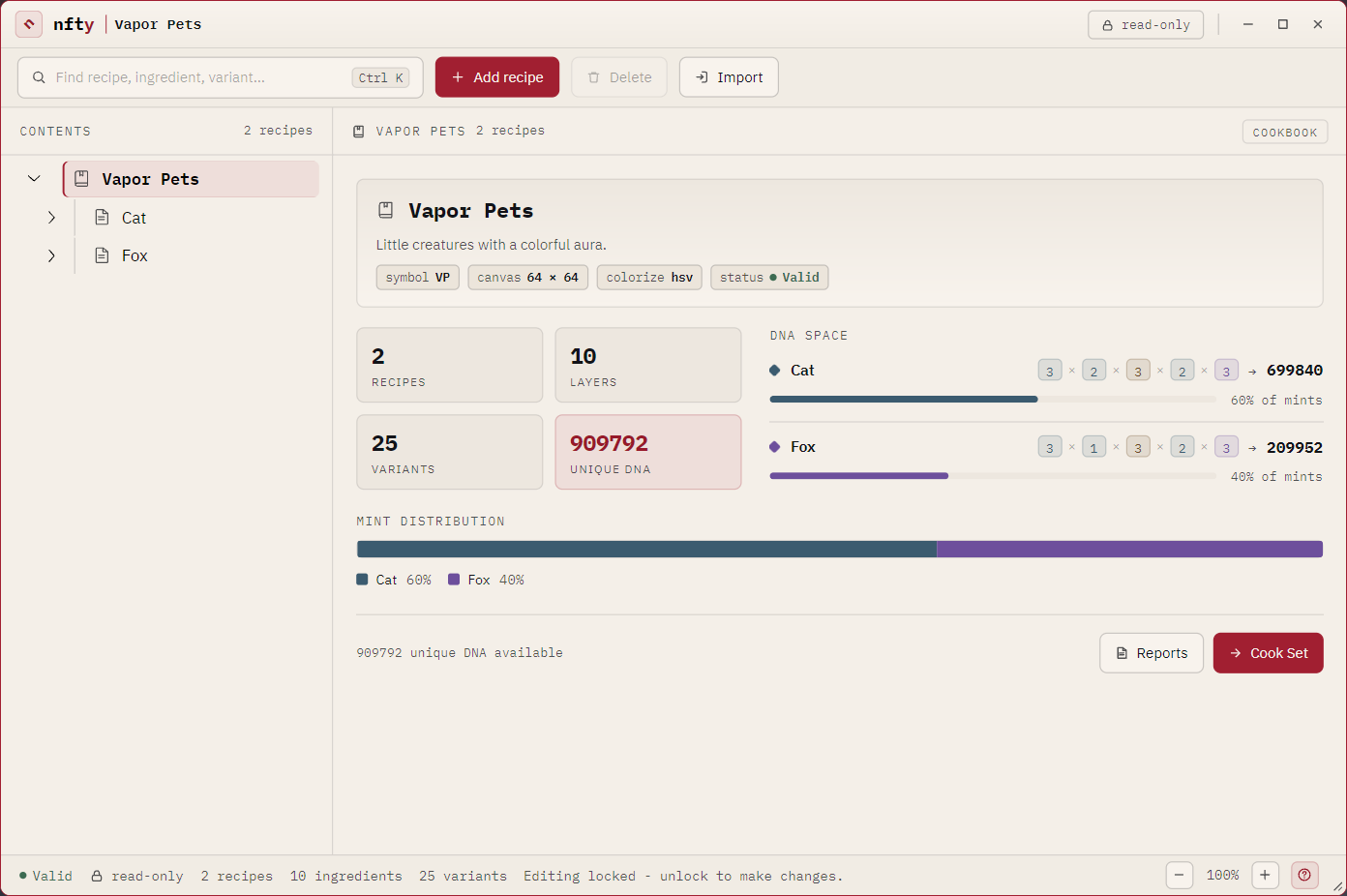
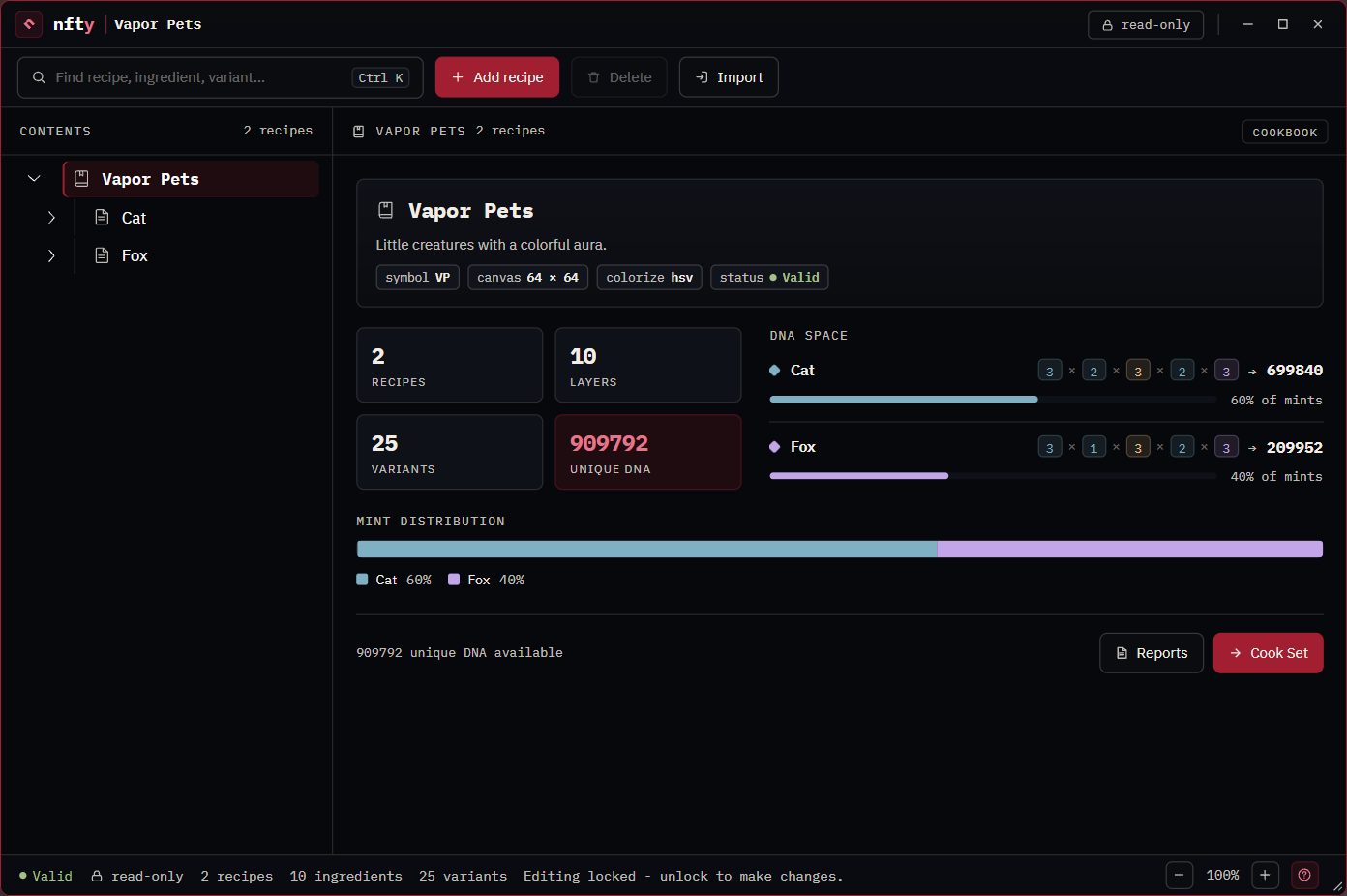
The Explorer is where a CookBook is read and changed. A tree of the book's contents runs down the
left; the panel on the right describes whatever is selected. It opens when you create or open a
.cbk.
The edit lock
A CookBook opens read-only, so nothing can be rearranged by accident. The chip in the title bar shows the state and is the switch: click read-only to unlock it, and it turns carmine and reads editing. The status bar says the same in words.
| Locked | Allowed |
|---|---|
| Adding, deleting, importing, reordering, rules, optional layers, weights, book settings, and saving from the Ingredient Editor or Rise page | No, until you unlock |
| Opening the Ingredient Editor or the Rise page, painting, previewing, cooking, exporting a Menu | Yes. A locked book is a scratch surface: you can paint, but not save. |
The toolbar
| Control | Does |
|---|---|
| Search (Ctrl+K) | Filters the tree by recipe, ingredient or variant name. Clear search brings everything back. |
| Add … | Adds a child of the selection. Its label follows the selection: Add recipe on the book, Add ingredient on a Recipe, a variant on an Ingredient. |
| Delete | Removes the selection, after asking. A layer's last variant cannot be deleted. |
| Import | Brings a loose .rcp or .igt, or a picture (.png, .jpg), into the book. See Import art and Work out of a Kitchen. |
The tree (CONTENTS)
The CookBook is the root, Recipes under it, layers under each Recipe. The letter beside a layer is its kind: Dynamic, Static, Custom. A flat-sheet mark after a name means 2D only.
With editing unlocked you can move a node among its siblings: drag the row, or select it and press Alt+Up / Alt+Down. Moving a layer changes the paint order and therefore the collection (see Reorder the layer stack); moving a Recipe only changes the listing. A filtered tree cannot be reordered.
Right-click a row, or Ctrl-click or middle-click it, to open it in the viewer.
The CookBook panel
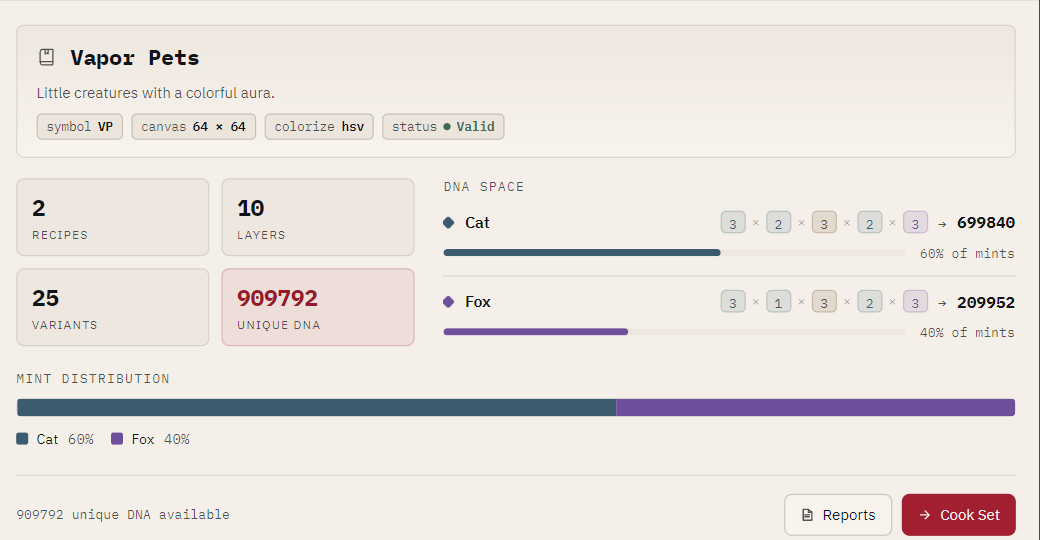
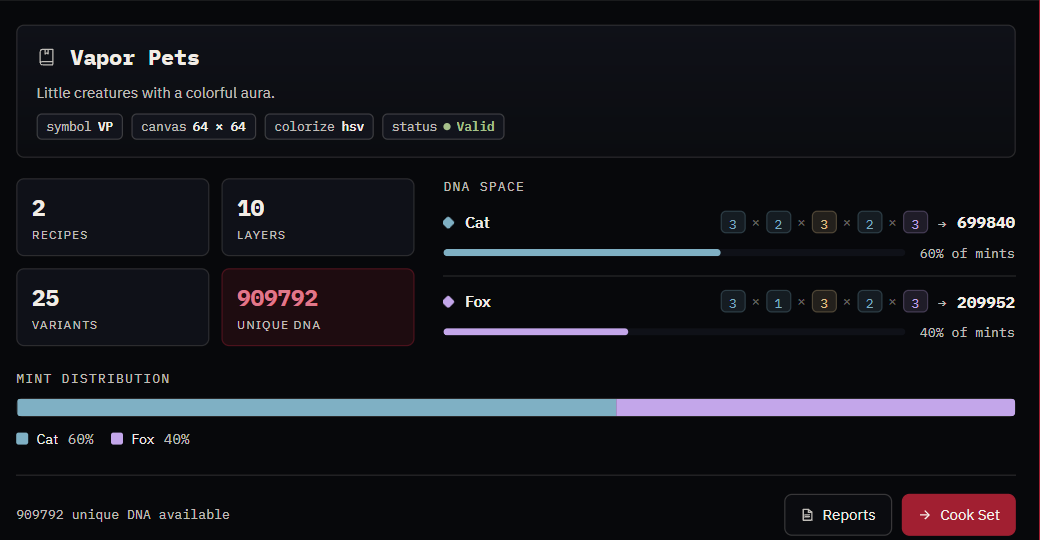
Select the book (the root) to see it.
| Part | Shows |
|---|---|
| Identity card | The book's name, the name assets are published under (mints as Chest Demo #1), description, symbol, canvas size, colorize model, and status. The status chip opens the full validity report. The gear opens Book settings. |
| RECIPES / LAYERS / VARIANTS | Counts. |
| UNIQUE DNA | How many distinct assets the book can produce. See How uniqueness is decided. The tooltip has every digit. |
| TARGET SUPPLY | How many you mean to mint, against the unique DNA figure. The bar turns to a warning color when the target is larger than the space. |
| DNA SPACE | Each Recipe's share of the figure, with a badge per layer of how many shapes it contributes. Pages when there are many Recipes. |
| MINT DISTRIBUTION | The share of the collection each Recipe takes, from the Recipe weights. |
| Reports | The same text the command line's stats and inspect print. |
| Export Menu… | Writes a .mnu for a game or server: see Menus and tickets. |
| Cook Set | Opens the Cook dialog. |
When the book has problems, WHAT IS WRONG lists the first few; the status chip (or the count in
the status bar) opens all of them, in the same words nfty validate prints, numbered and
selectable for copying. A brand-new, empty book explains what to add first rather than treating emptiness as an
error.
Book settings
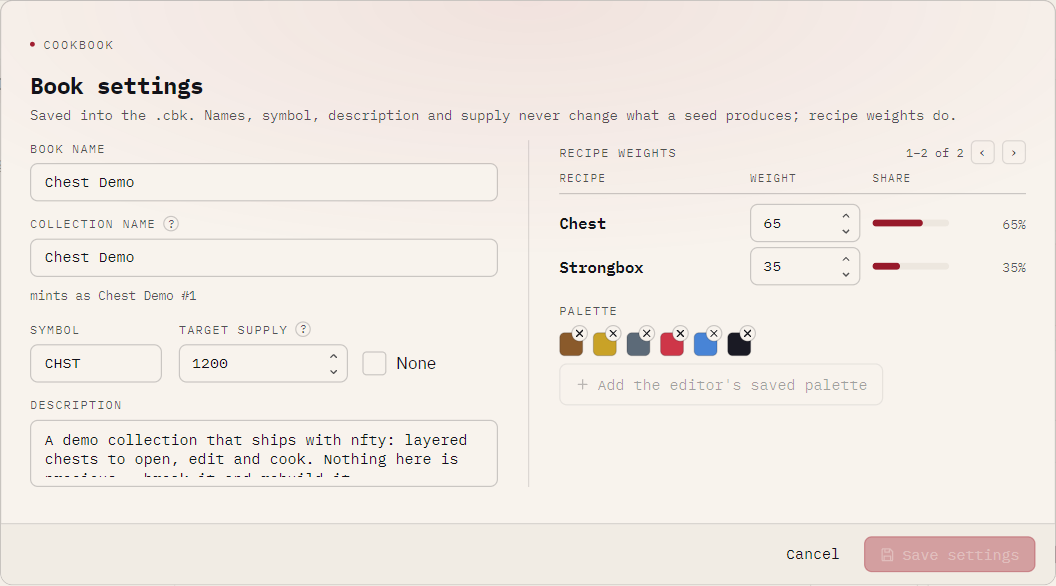
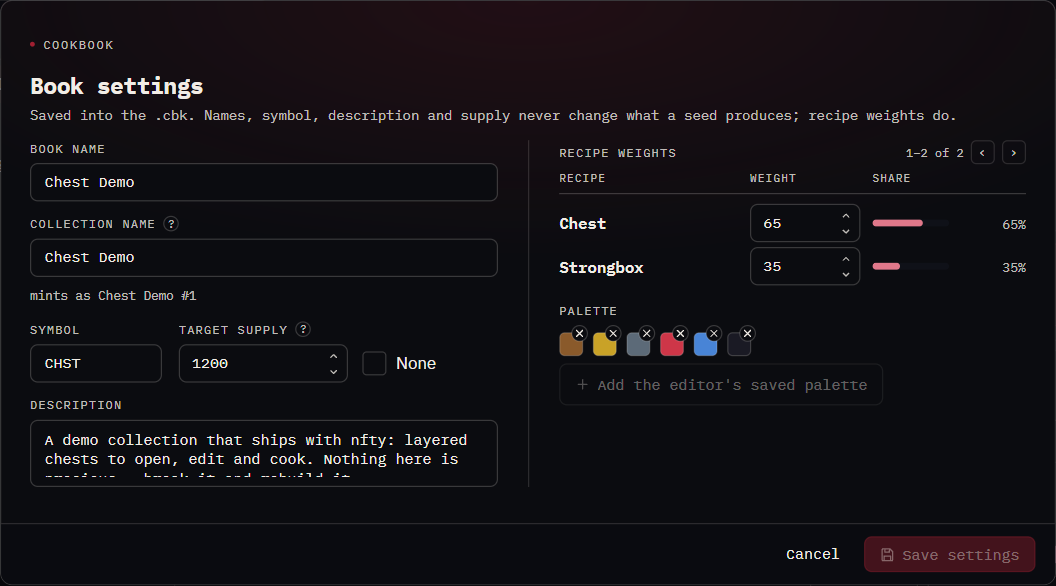
| Field | Means |
|---|---|
| BOOK NAME | The file's own name, shown in the title bar, tree and recents. |
| COLLECTION NAME | What every asset is published as (<name> #1) and what an export is named after. |
| SYMBOL, DESCRIPTION | Collection metadata, written into exports and collection.json. |
| TARGET SUPPLY | How many you intend to mint, or None. Declarative: it never limits a cook. |
| RECIPE WEIGHTS | Each Recipe's roll weight and resulting share. 0 shelves a Recipe. |
| PALETTE | Swatches stored in the book, so they travel with it. Add the editor's saved palette copies yours in. |
Names, symbol, description and supply never change what a seed produces; Recipe weights do. Saving needs editing unlocked.
The Recipe panel
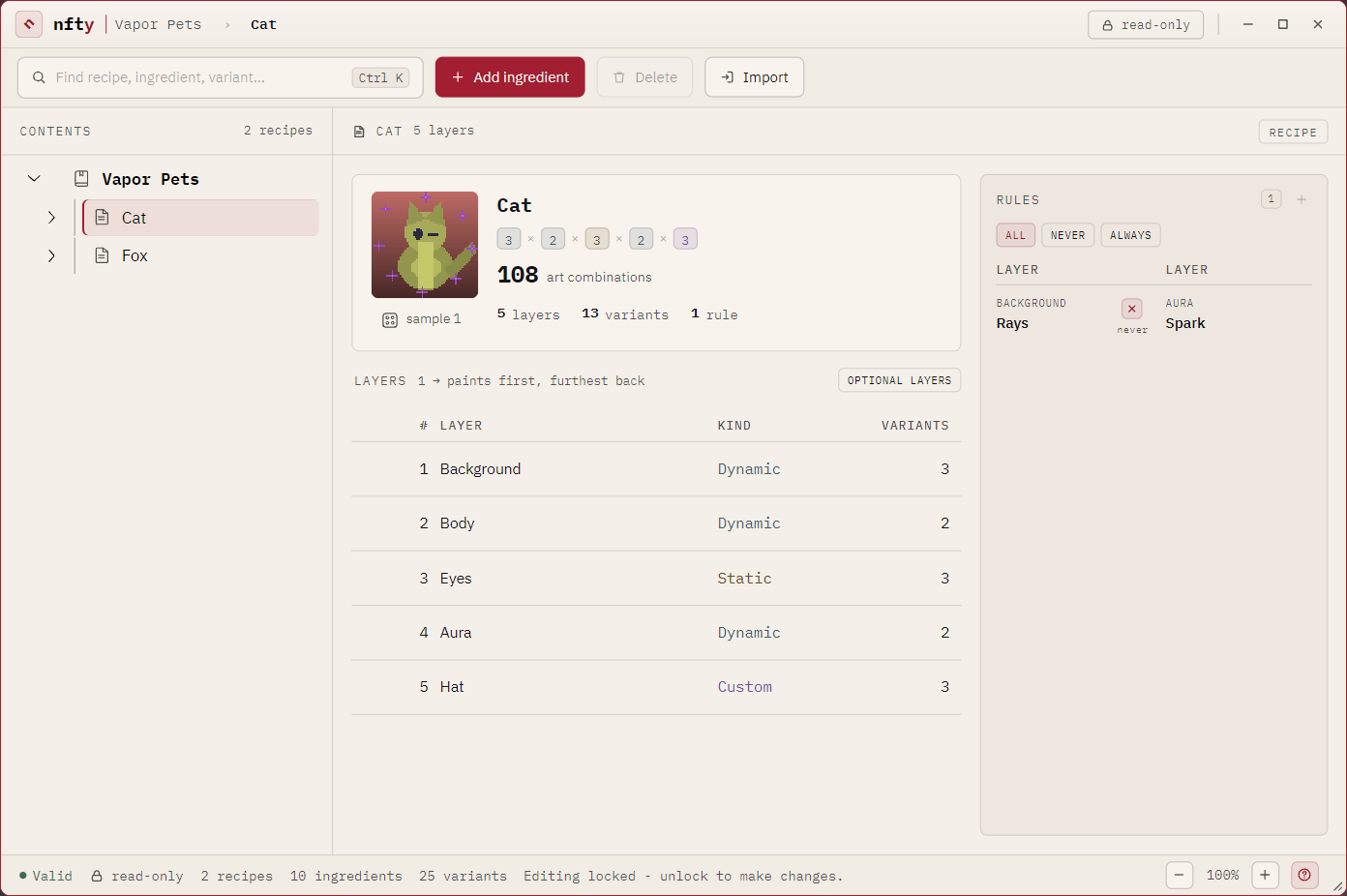
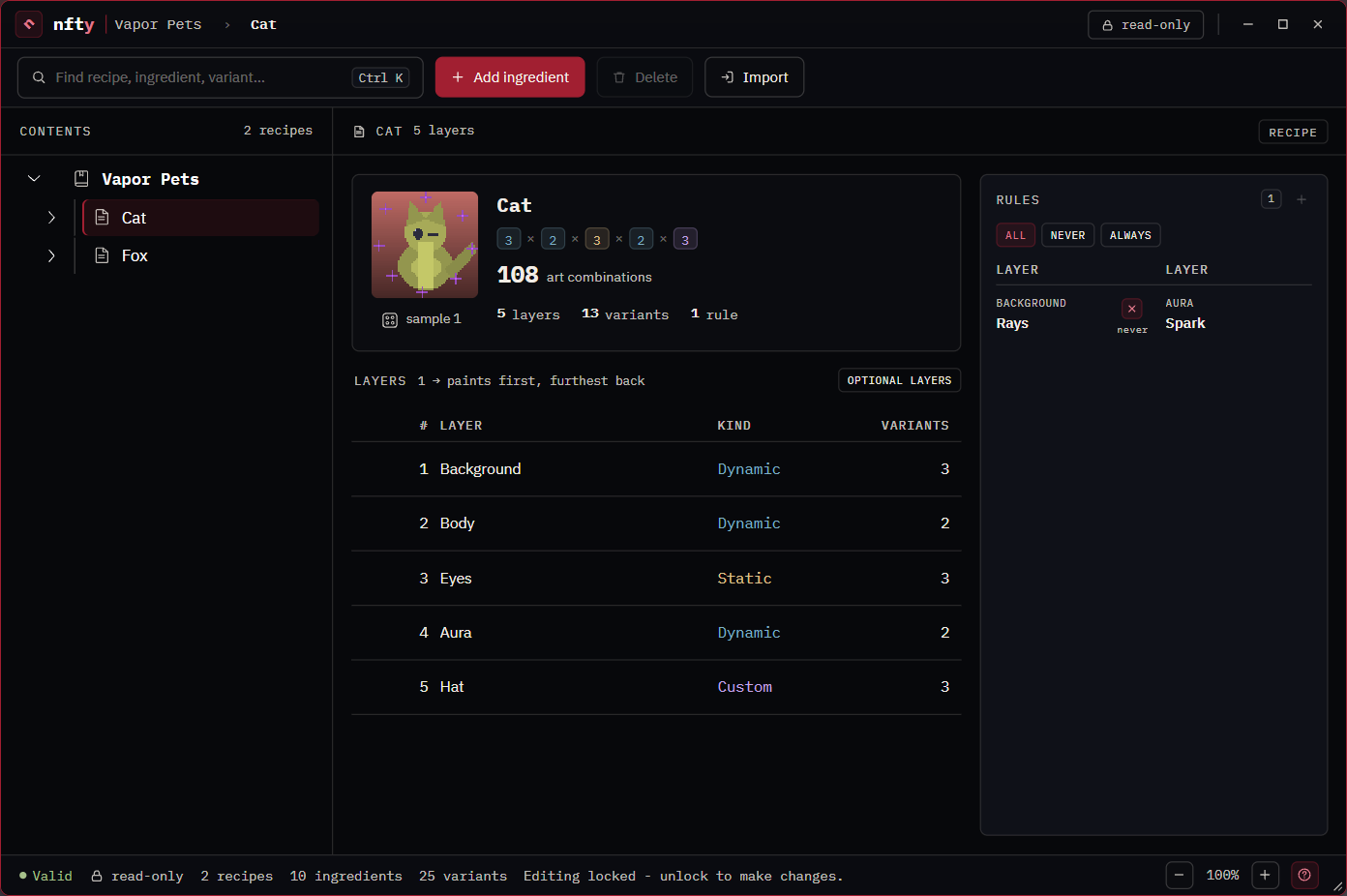
| Part | Shows |
|---|---|
| Identity card | A rolled preview of this character (the die rolls another), each layer's contribution multiplied out, the Recipe's unique DNA, and Rise, which opens the roll on the Rise page. |
| LAYERS | The stack in paint order: 1 paints first and sits furthest back. Each row has the layer's kind and variant count. Unlocked, rows gain a drag grip. OPTIONAL LAYERS adds the ABSENT column. |
| RULES | This Recipe's rules, with ALL / NEVER / ALWAYS filters and + to add one. See Rules. |
The layer table is never sorted by column: its order is the paint order.
The Ingredient panel
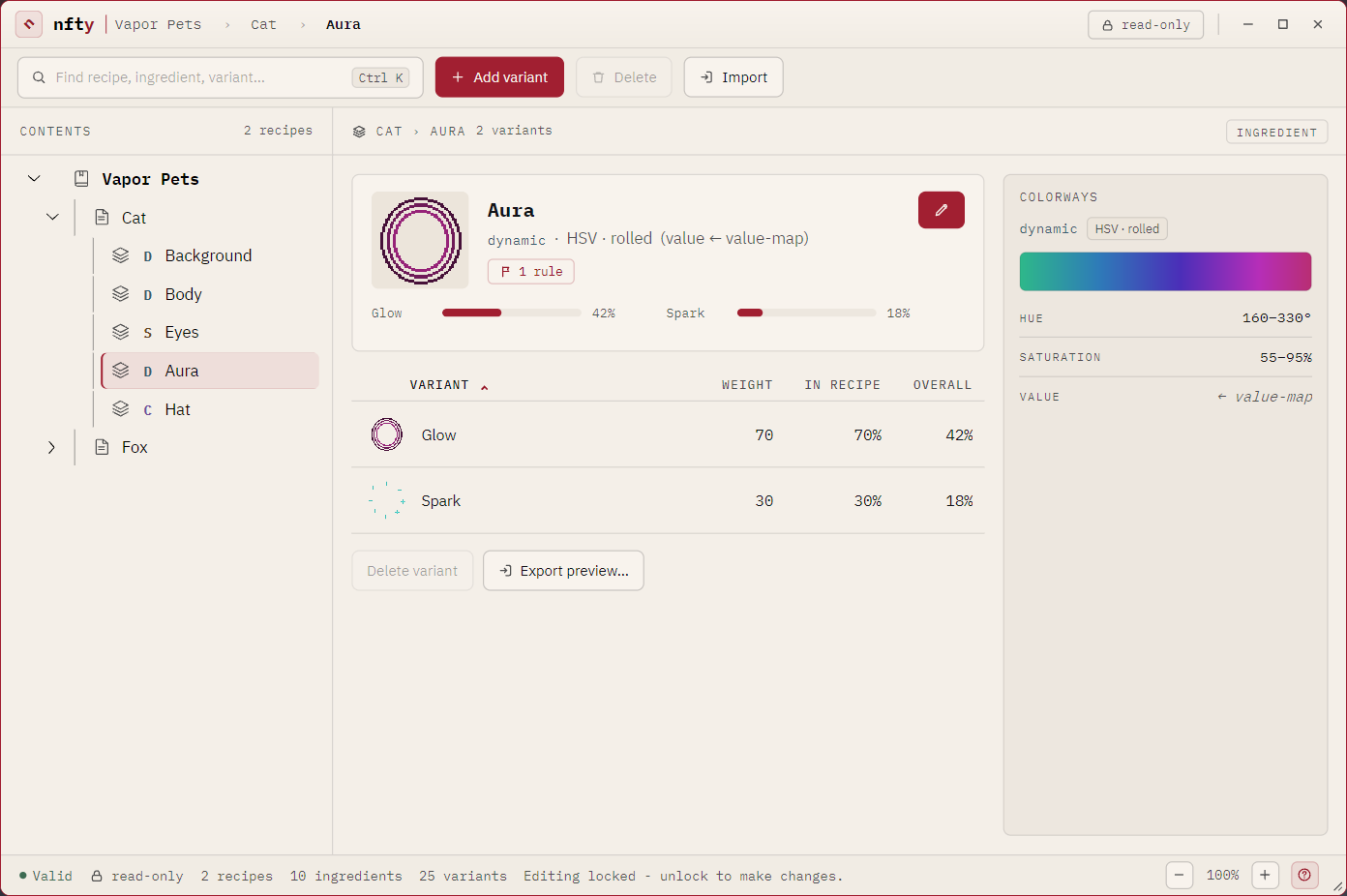
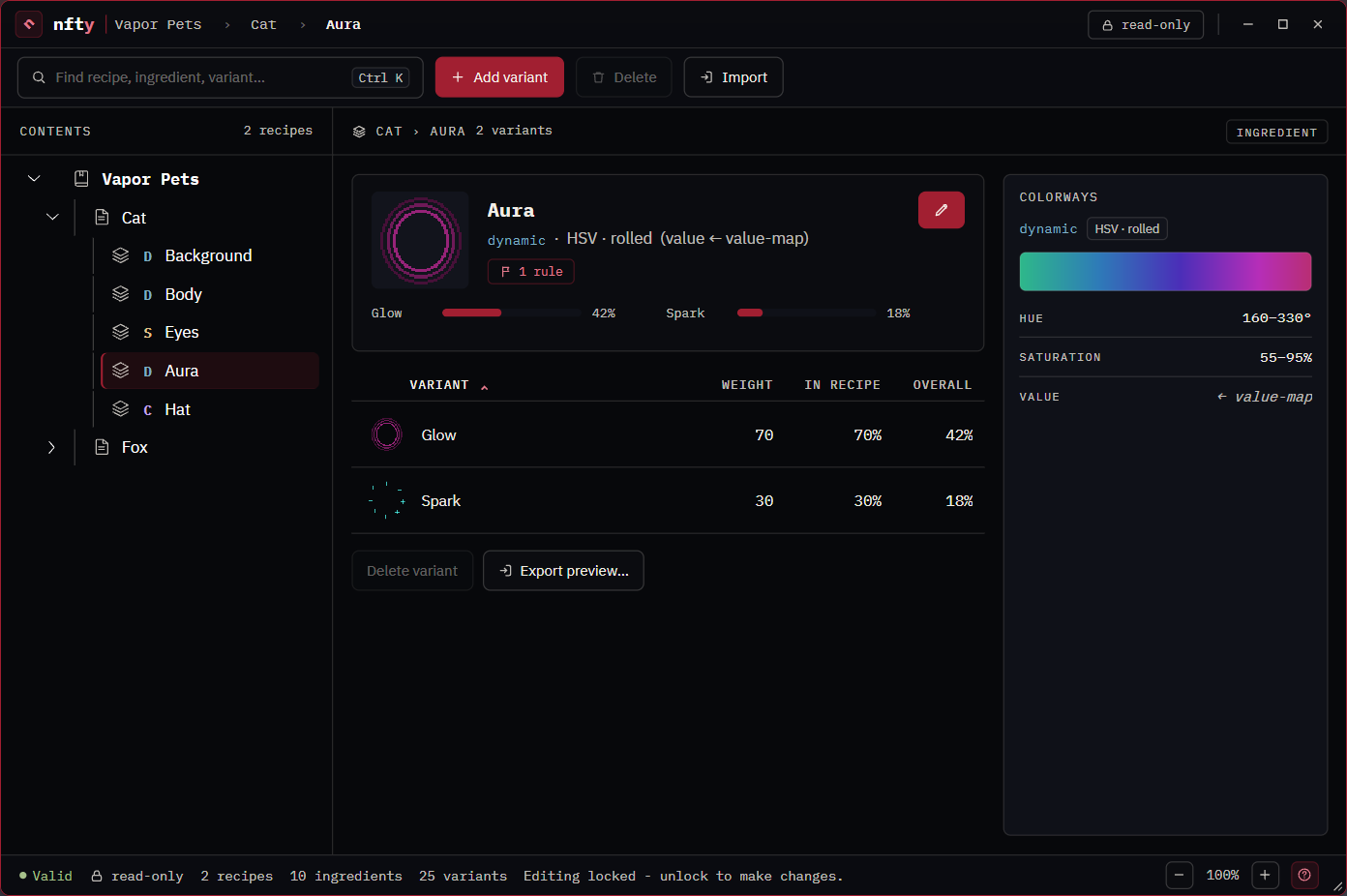
| Part | Shows |
|---|---|
| Identity card | A preview, the layer's kind and color model, an absent flag if the Recipe can leave it out, and a rule flag if a rule names it. The pencil opens the Ingredient Editor; Rise opens the Rise page. |
| Share strip | The biggest variants' shares as bars, four at a time. |
| VARIANT table | Each variant's WEIGHT, its share IN RECIPE, and its share OVERALL (of the whole collection). Click a header to sort. See Weights and rarity. |
| COLORWAYS | The actual colors this layer can roll, by hue and saturation, and how many it ADMITS. Static shows one swatch; Custom says colorization does not apply. |
| Delete variant | Removes the selected variant, after asking. |
| Export preview… | Writes the selected variant as a PNG, exactly as generation renders it. |
The status bar
Validity (click it for the report), lock state, the book's counts, and a line about whatever you last did. The message belongs to the screen that said it and clears when you move on.