Install nfty
nfty is not released yet, so there is no installer. You build it once, and then run it whenever you like.
What you need
The .NET 10 SDK. Download it from dotnet.microsoft.com and install it. Everything else nfty needs is fetched automatically the first time you build.
nfty runs on Windows, macOS and Linux.
Build it
Open a terminal in the folder you cloned nfty into, and run:
The first build takes a minute or two while packages download. Later builds take seconds.
Open the app
You should get this:
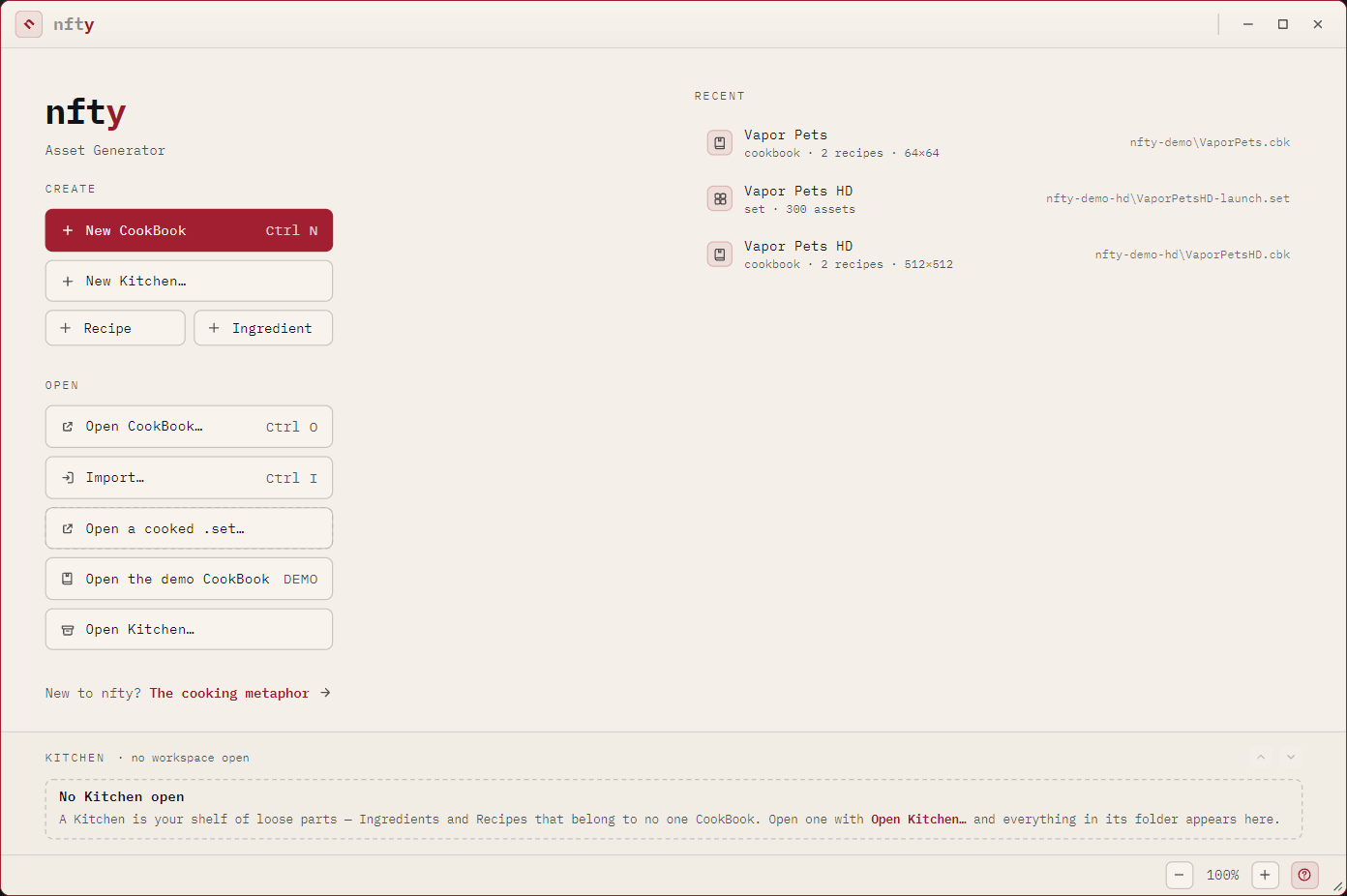
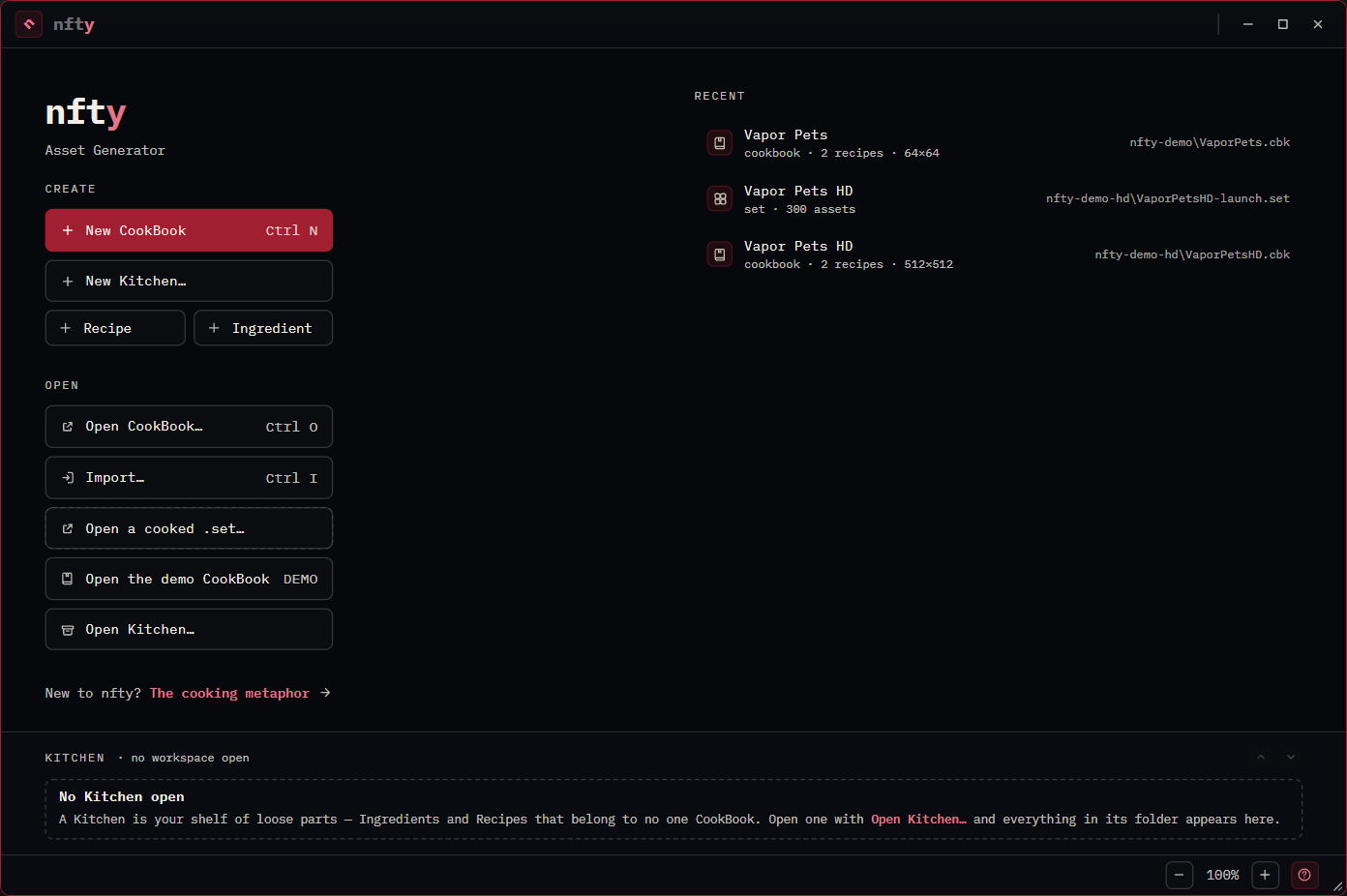
If you see that window, you are done. Leave the terminal open — closing it closes the app.
There is a command line too
The same engine runs headless, which is useful for scripting and for checking a project before you cook it:
You do not need it to follow this manual. See Command line when you want it.
Next: The demo CookBook →