Rise a Recipe roll
Paint a layer's depth while you look at the whole character it belongs to. Depth is stored on each layer's own variant; on a Recipe roll the Rise page paints through the combined picture onto the variant you choose.
Before you start: open the CookBook in the Explorer. To save, unlock editing; a locked book still lets you try things.
1. Open a roll
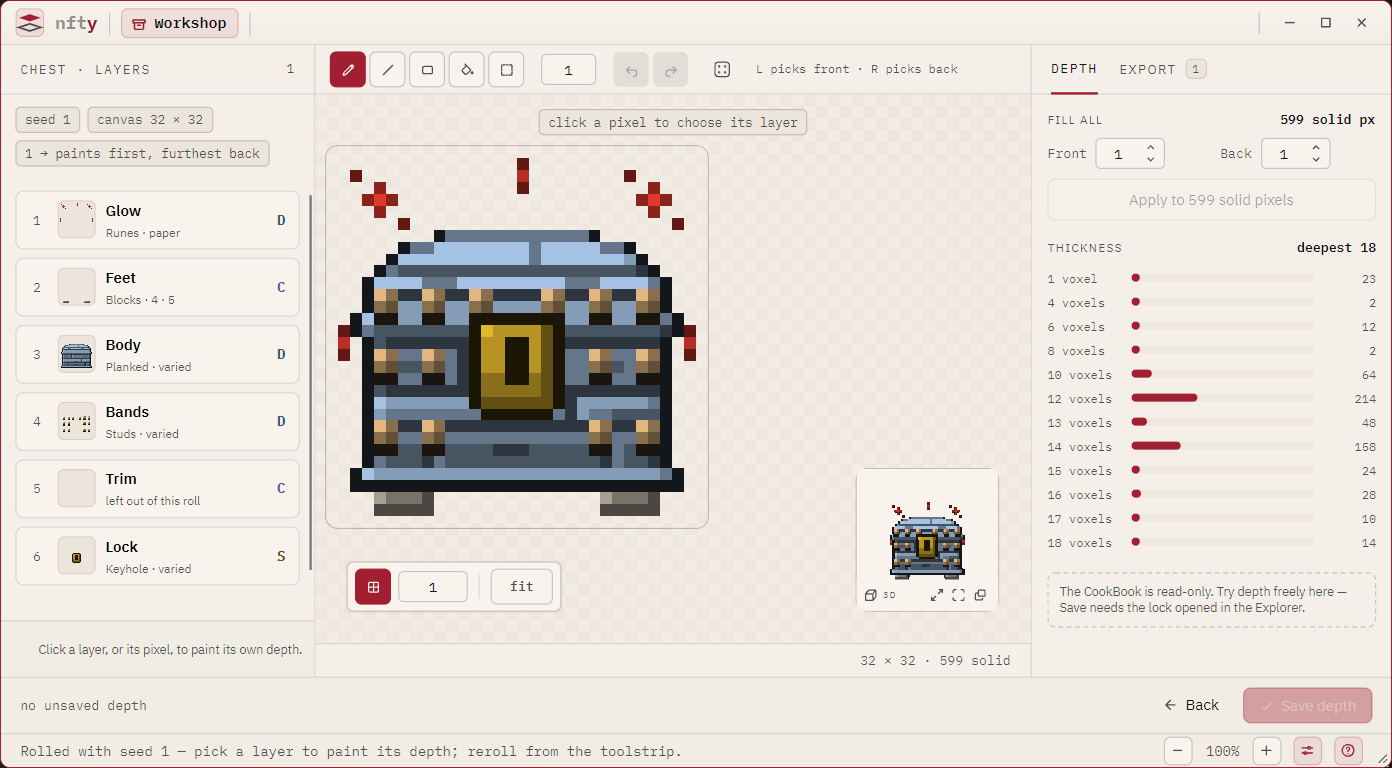
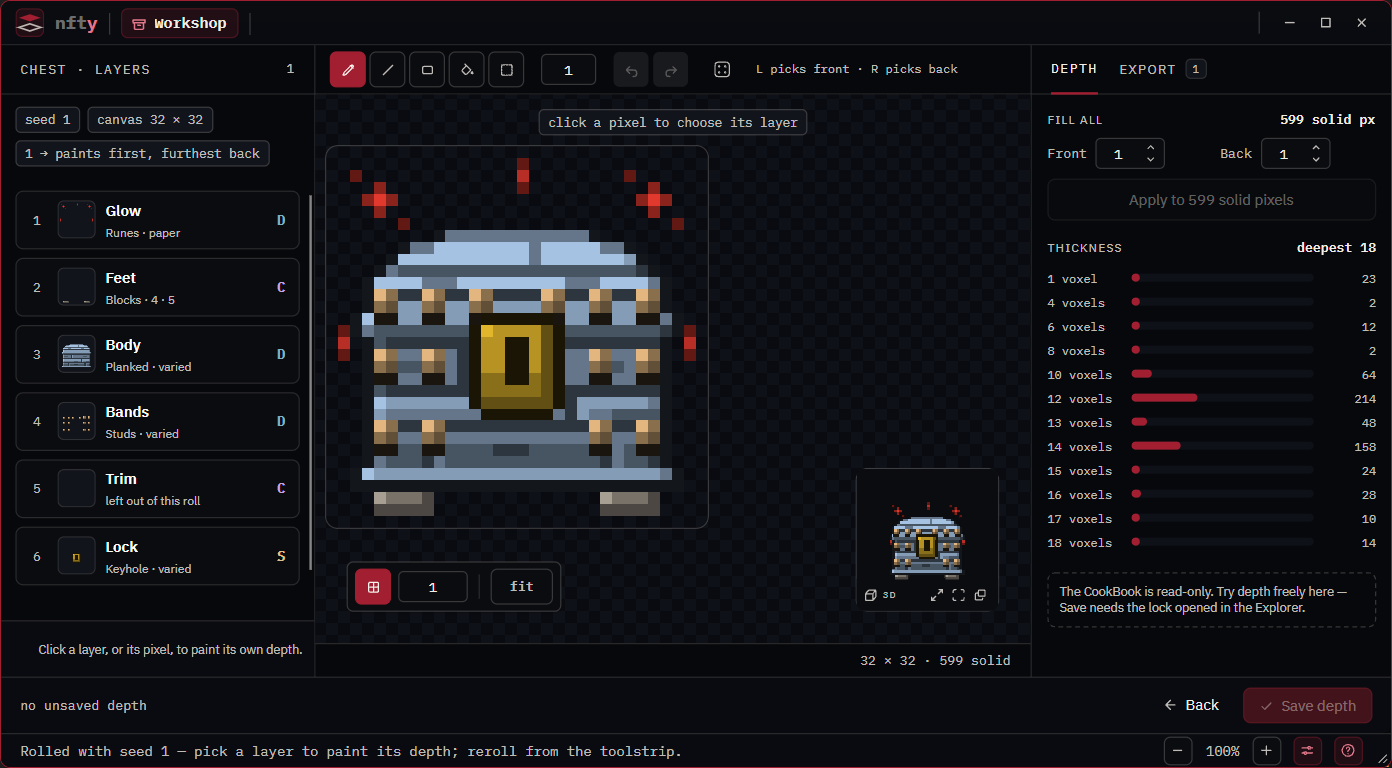
Select the Recipe and press Rise under its portrait. Press the die first for a different roll. The canvas shows the stack's combined depth: per pixel, the front reaches as far as any layer's front and the back as far as any layer's back.
2. Choose the layer
The page starts in picking: the header reads click a pixel to choose its layer.
- Left-click a pixel to choose the layer that owns its front face.
- Right-click to choose the layer that owns its back face.
The choosing click paints nothing. Front and back can belong to different layers (a strap standing proud of a body), which is why there are two buttons. Ties go to the upper layer.
Other ways to choose: click the layer's row in the rail (or press Enter on it), or press Page Up / Page Down to step through this roll's layers.
Once chosen, the header reads, for example, editing Body / Planked · in ~234 of 1,200 assets, the
other layers are dimmed, and the 3D tile keeps showing the whole character.
3. Paint
Paint as on any layer: left button front +1, right button back +1, Shift to subtract, Ctrl to constrain. Only the chosen layer takes strokes; a stroke that starts on a dimmed pixel does nothing.
The reach figure says how much of the collection the change shows up in: the variant's share of
the collection times the book's target supply (in ~234 of 1,200 assets), or a percentage when the
book has no target. A rare variant reaches few assets; a common body nearly all.
Esc drops a marquee first, then lets go of the layer and returns to picking. It yields to an open dialog.
4. Save
Press Save depth. Every variant you changed, on any layer, is written in one go; the footer counts
them (unsaved depth on 2 variants) until you do. If the CookBook changed underneath since you began,
the save is refused rather than overwriting it.
Good to know
- One undo history covers the whole page. Undoing a stroke on another layer switches to that layer; undoing one on a variant not in this roll restores it and says so.
- Rerolling keeps your work. Depth belongs to the variant, so a variant in the next roll shows what you painted, and one that is not keeps it until you save.
- A cooked Set is never written. To change the depth of a Set's assets, change the Recipe's variants here and cook again.