Reorder the layer stack
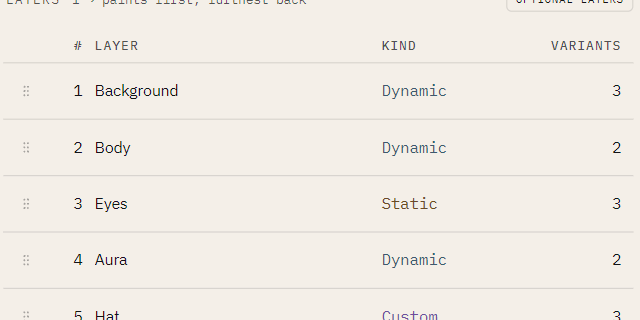
Layers paint bottom to top. Depth 1 paints first and sits furthest back; the last layer paints
over everything. Change the order to put a layer in front of or behind another.
Reordering makes a different collection
nfty draws one random number per layer, in stack order. Move a layer and you move which draw reaches it, so the same seed now picks different variants. If you have already cooked and shipped a Set from this book, the next cook after a reorder is a different collection, not the same assets restacked. See Why a seed reproduces a collection.
Move a layer
-
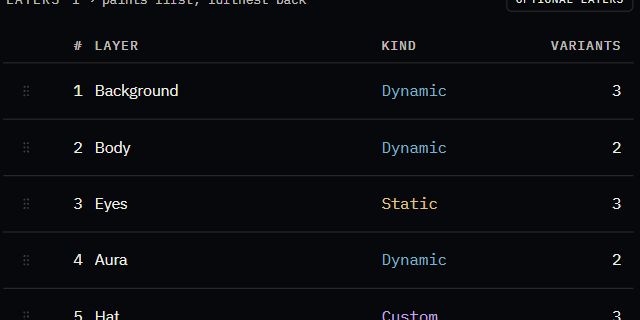
In the Explorer, unlock editing (click the read-only chip). Drag grips appear on the Recipe's layer table:
-
Do one of:
- drag a row by its grip in the Recipe's LAYERS table,
- drag the layer's row in the tree, or
- select the layer and press Alt+Up / Alt+Down.
All three do the same thing and save at once. The keyboard route exists so reordering never depends on a steady hand.
Move a Recipe in the listing
Drag a Recipe in the tree, or press Alt+Up / Alt+Down on it. This only changes the order Recipes are listed in; the same seed cooks the same Set.