Paint in color and use transparency
Most layers are drawn in gray and colored at generation time. This page covers the two exceptions: painting full-color art, which must be saved as a Custom layer, and painting partly transparent pixels, which makes a book 2D only.
Before you start: open a layer in the Ingredient Editor with editing unlocked.
Paint in full color
Use color when the colors are the art: a logo, a detailed background, a piece with several colors.
-
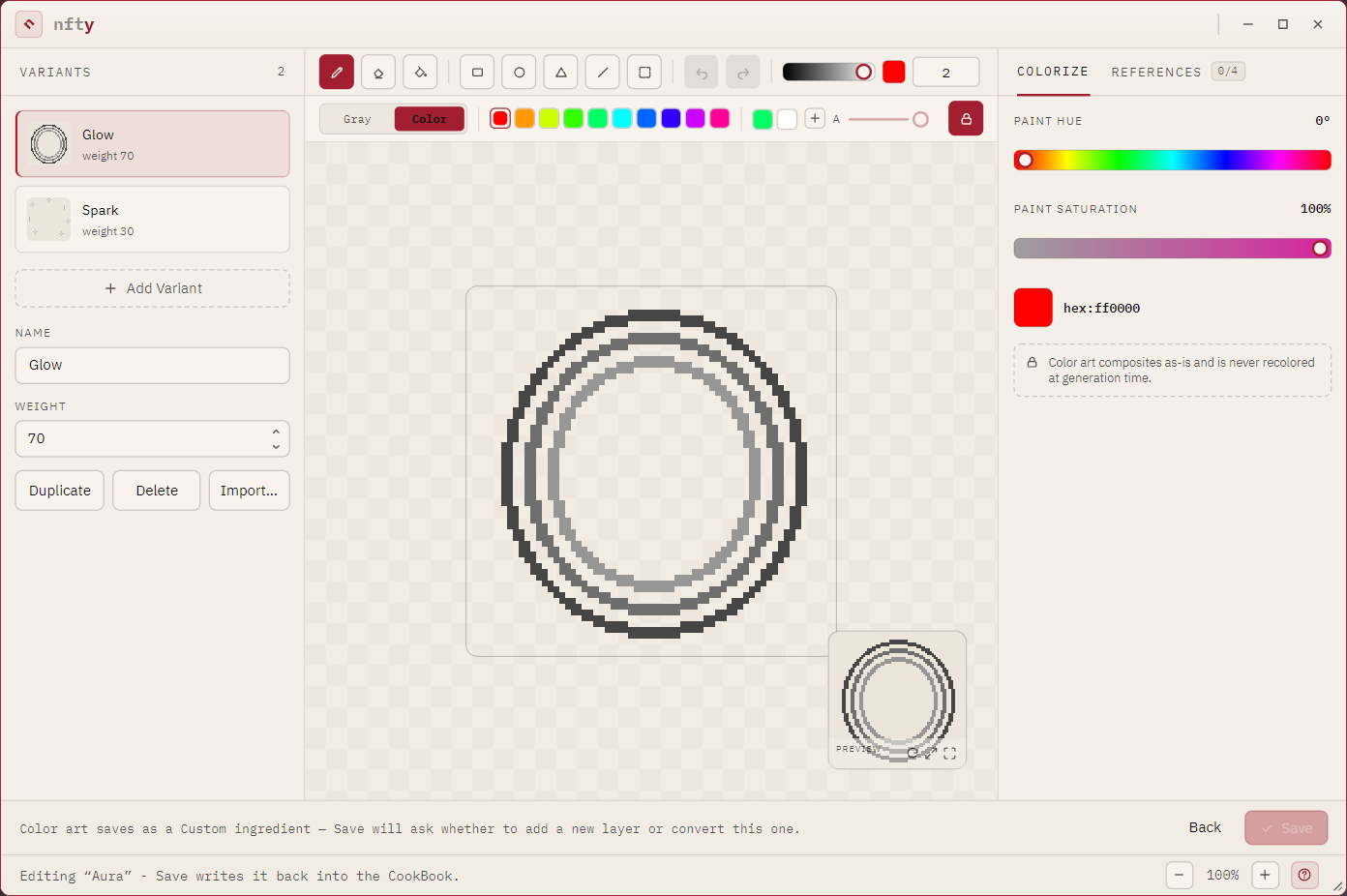
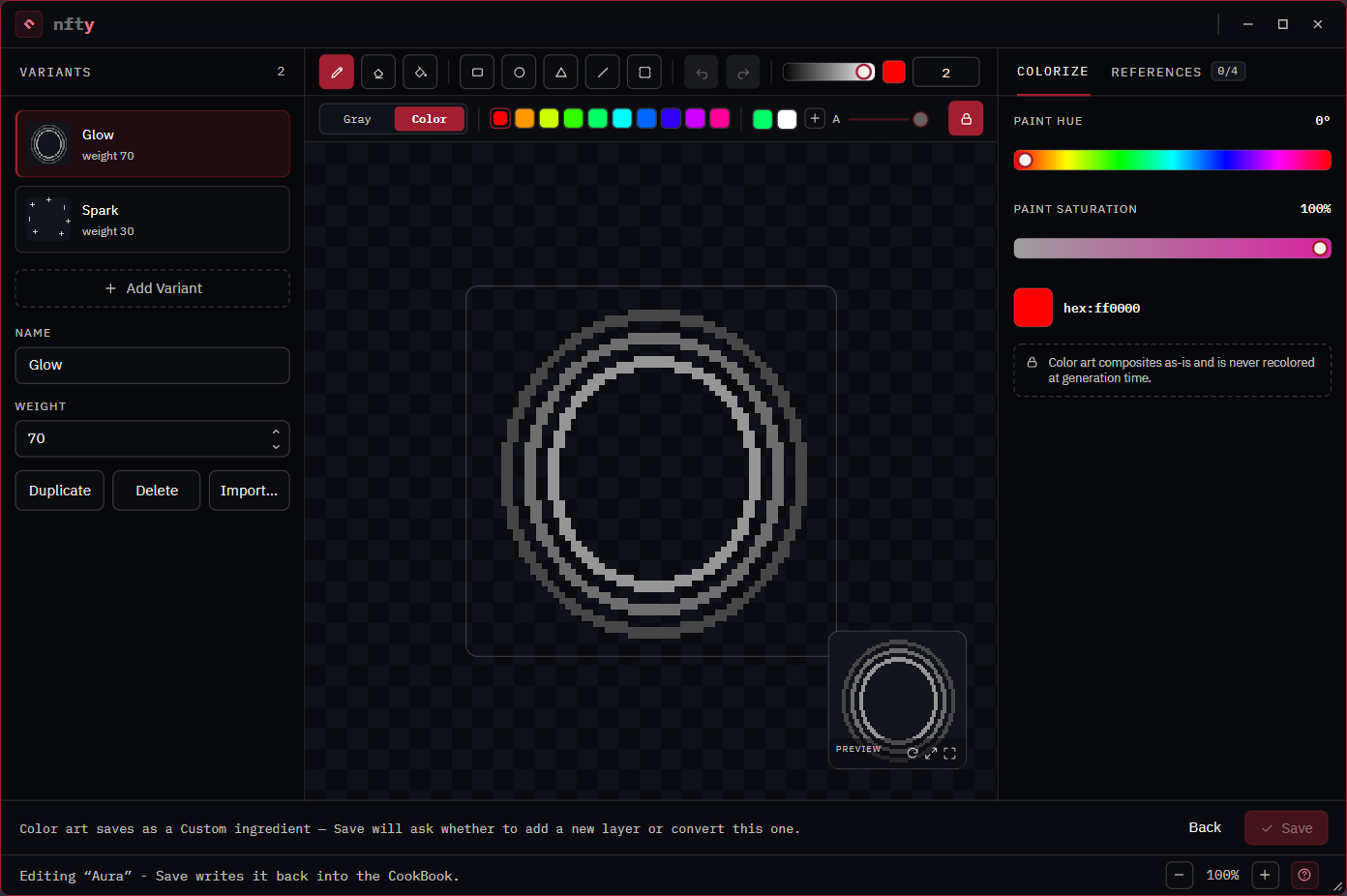
On the palette strip, click Color.


The swatches become hues, the right rail becomes PAINT HUE and PAINT SATURATION, and your existing gray drawing comes along so you can paint over it.
-
Pick a color: hue and saturation from the rail, brightness from the value ramp, or type a hex value. + keeps a color in your saved palette.
- Paint.
- Click Save. Color art can only be stored as a Custom layer, so nfty asks Save as a Custom
ingredient? and offers:
- Save as new (the default): a new Custom layer on top of the Recipe; the gray layer is left as it was.
- Overwrite (tick the box): converts this layer to Custom.
Overwrite discards the color settings
Converting a Dynamic or Static layer to Custom throws away its hue and saturation ranges and quantize steps for good. Prefer Save as new unless you are sure.
Switching back from Color to Gray loses no pixels, but the layer is a value-map again and Save writes the gray value-map, not your color strokes. The editor asks once and the footer keeps saying so.
Use soft edges (partial transparency)
The padlock at the right of the palette strip is the opacity lock, on by default: every pixel you paint is fully there or fully erased.
- Click the padlock. nfty explains the trade-off once.
- The A slider becomes active. Paint at any opacity.
Partly transparent pixels are legal: they cook, export and publish normally. They cannot become 3D, because a voxel is solid or empty. Save one and the book becomes 2D only: it still cooks images, but cannot rise, and Include 3D models is unavailable in the Cook dialog. To undo that, see Fix a 2D-only book; for why nfty refuses rather than rounds, see Depth.
Erasing works normally with the lock on or off; that is how a layer gets its shape.
To list every variant carrying partial transparency: