Rise: make 3D models
The Rise page turns finished pixel art into a 3D model. You paint how thick each pixel is, watch the model change beside the art, and export glTF. For what "thick" means, see Depth: paper, front and back.
Everything works with no depth painted at all: untouched art exports as flat paper, every opaque pixel one voxel thick. The demo CookBook already carries depth, so it is a good place to try this.
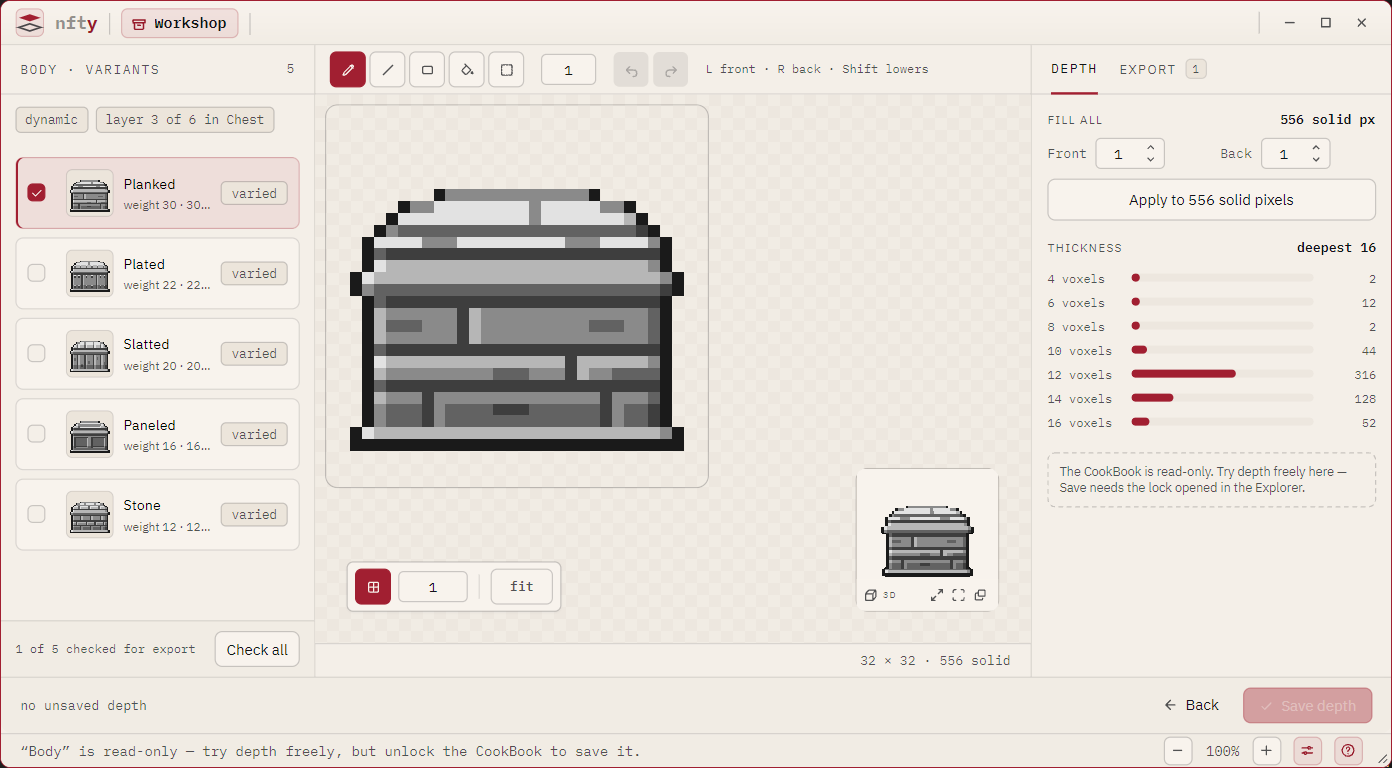
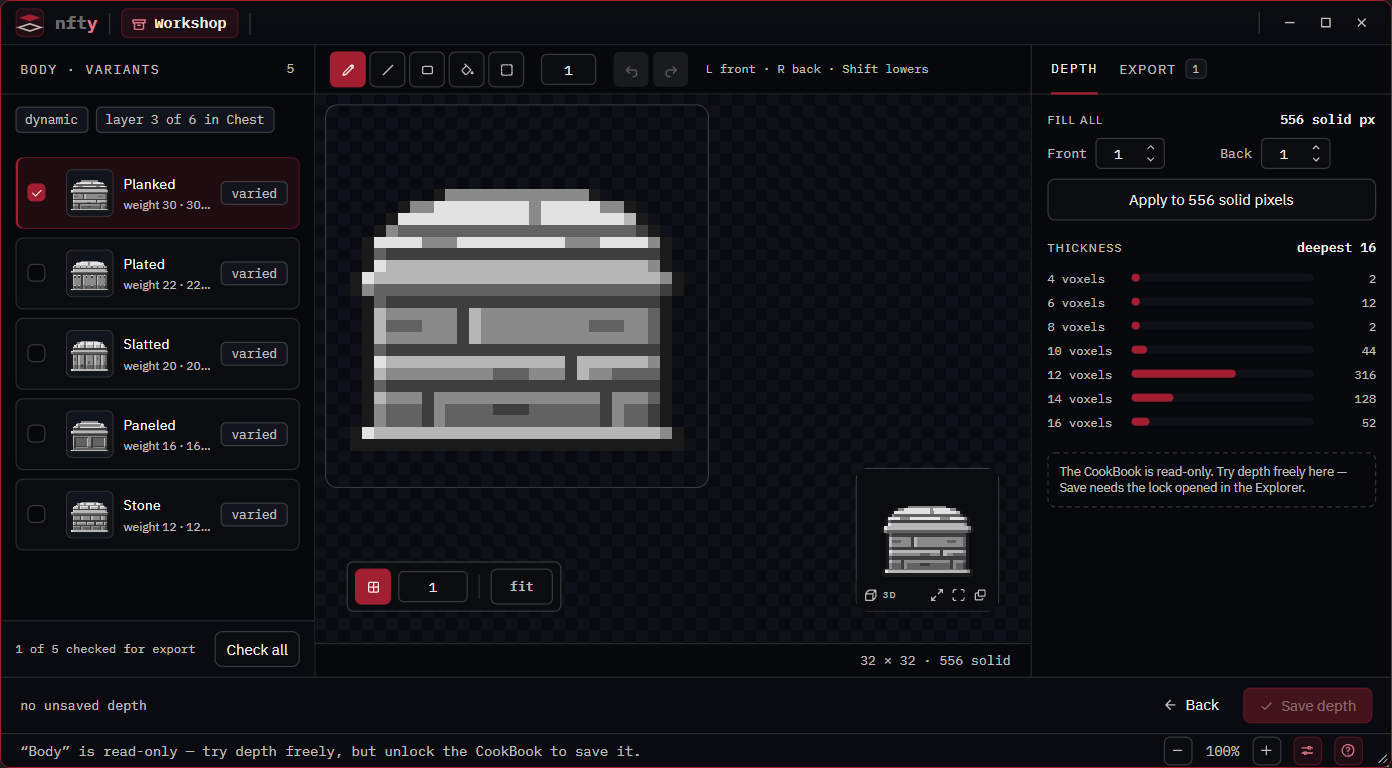
Open the Rise page
| To rise | Go to | The list shows | Saves to |
|---|---|---|---|
| A layer (all its variants) | Rise on the Ingredient panel, or in the Ingredient Editor's footer | The layer's variants | The layer and its CookBook (Save depth) |
| A rolled character | Rise under a Recipe's portrait; the die rolls another | That roll's layers, bottom first | The variant that owns each pixel. See Rise a Recipe roll. |
| A cooked asset | Rise in the Set browser header | The Set's assets | Nowhere: a Set is read-only |
| A picture in no project | Rise an asset… on the opening screen | The one picture | Save as .igt… |
| A spritesheet | The same button, on a picture with a grid | The sheet's cells | Save as .igt… See Rise a spritesheet. |
A Set's depth comes from the CookBook that cooked it, found by hash; if that book is not found, every asset shows as paper and the page says so. A Dynamic or Static variant rises as its stored gray value-map; a model of a cooked asset carries the colors that asset rolled.
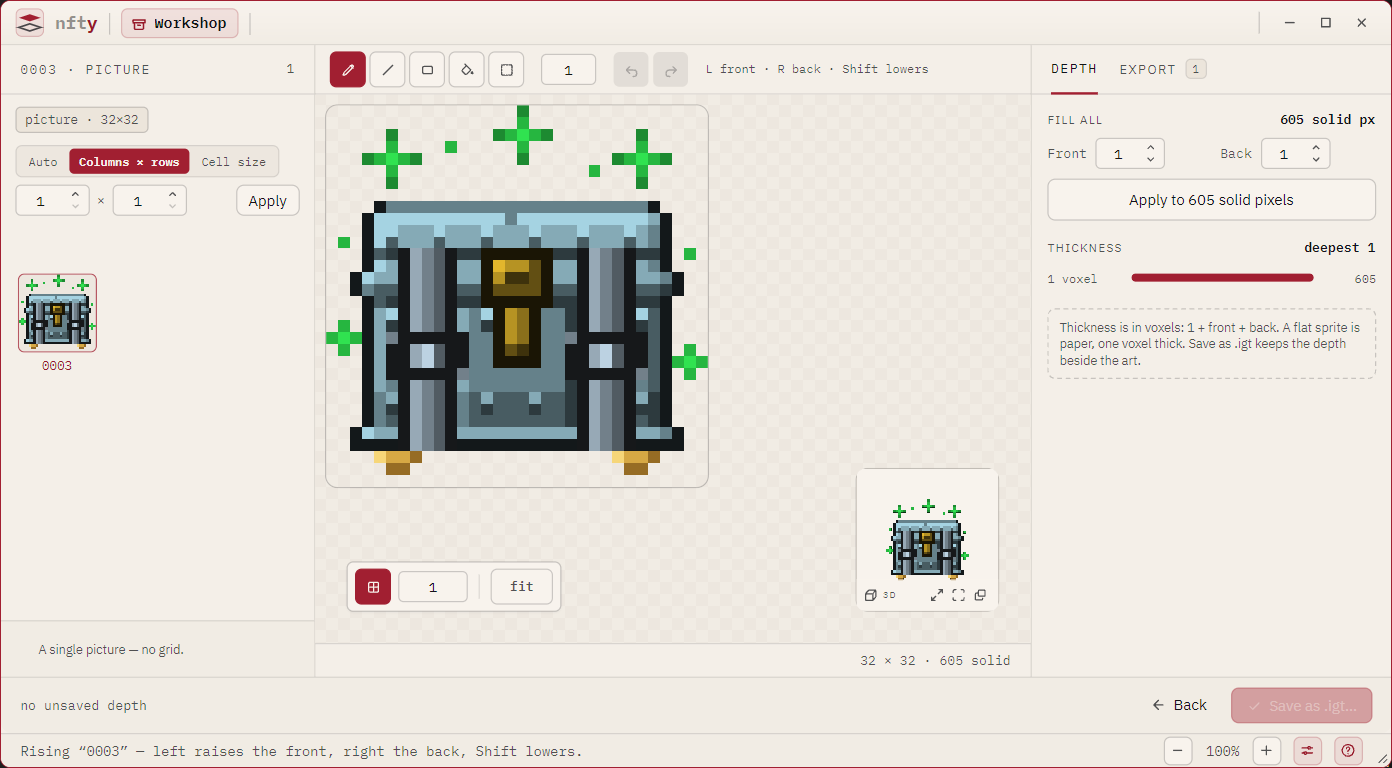
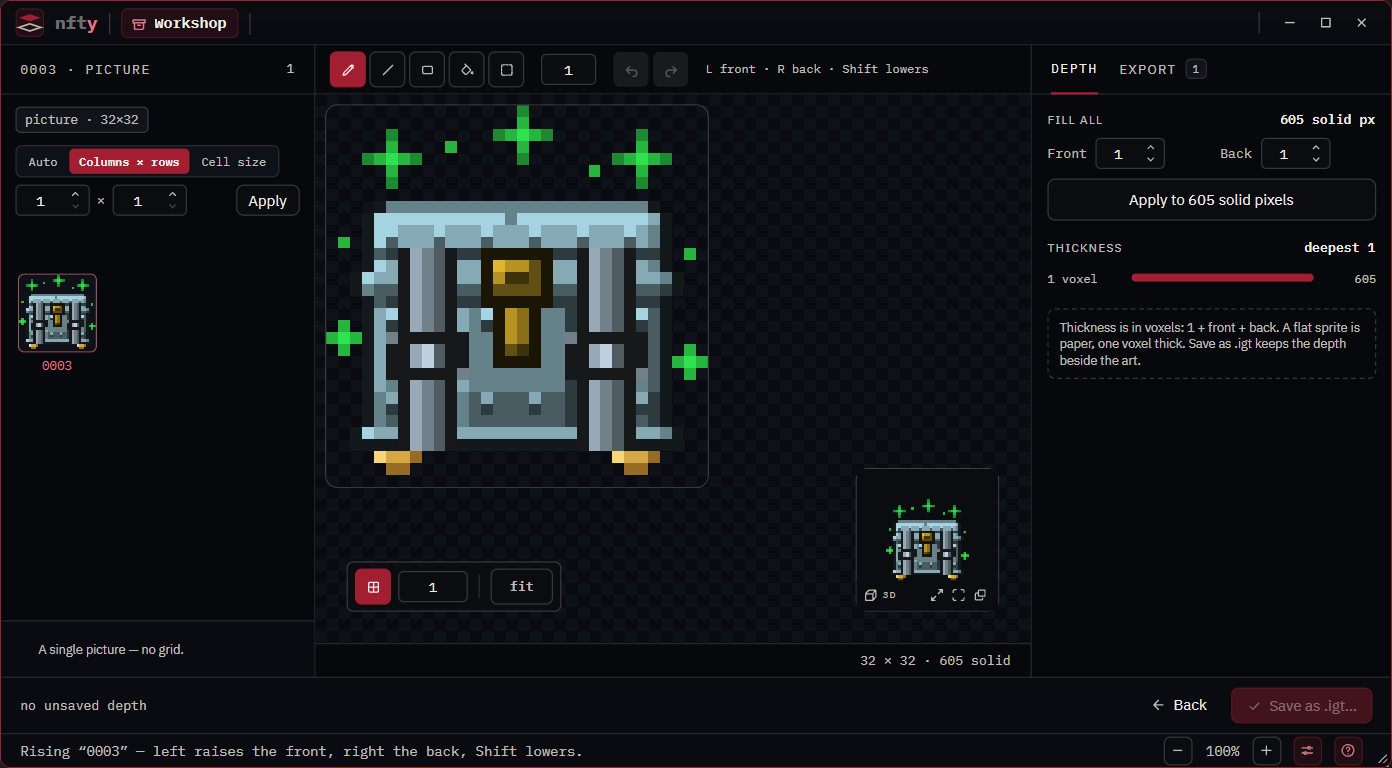
The page
| Part | Holds |
|---|---|
| Rail header | The source's name and kind, a count, and fact chips (seed, canvas, grid origin). |
| Grid row | Loose pictures only: the spritesheet grid. |
| Rail | One row per item, with a depth chip (paper, or a thickness) and, where it can be exported, a checkbox. An item that cannot rise shows 2D only. |
| Toolstrip | Tools, brush size, undo and redo, the mouse legend, and on a Recipe the reroll die. |
| Canvas | The art and its depth, with a grid toggle, grid step and zoom above it. |
| 3D tile | The model, live. Enlarge it, or swap it with the canvas. |
| Readout | For the solid pixel under the pointer: front 1 · back 0 · total 2. |
| Rail tabs | DEPTH and EXPORT. |
| Footer | Back, a line about unsaved depth, and the save button. |
Paint depth
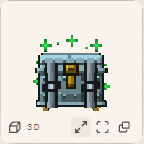
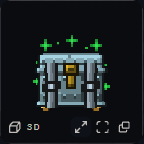
A stroke changes the depth of every solid pixel it crosses by one step, once per stroke however often it crosses. Clear pixels are never touched.
| Input | Effect |
|---|---|
| Left button | Front +1 (toward the viewer) |
| Right button | Back +1 (away from the viewer) |
| Shift held | Subtract 1 instead, never below 0 |
| Ctrl held | Constrain: straight stroke, 45 degrees for a line, square for a rectangle |
Shift never constrains on this page, because it is the lowering key. The toolstrip legend reads
L front · R back · Shift lowers.
| Tool | Key | Does |
|---|---|---|
| Brush | B | Steps depth along a stroke. |
| Line | L | A straight line at the brush size. |
| Rectangle | R | A filled box; Alt draws it from the center. |
| Same-color fill | G | Steps a region of same-colored pixels. |
| Select | M | Mark a region, then click inside it to step the whole region. |
++left-bracket++ / ++right-bracket++ size the brush, Ctrl+A marks everything, Ctrl+Z undoes, Ctrl+Y redoes. On the canvas the wheel zooms about the pointer, middle-drag pans, + / - / 0 zoom and fit, and the arrow keys pan while zoomed. In the 3D tile, drag orbits, right- or middle-drag pans, the wheel zooms and double-click resets.
The DEPTH tab
| Section | Does |
|---|---|
| FILL ALL | Set Front and Back (0 to 255) and press Apply to N solid pixels to give every solid pixel that depth at once. Replaces what was there, as one undo step. |
| THICKNESS | How many pixels are 1, 2, 3… voxels thick, and the deepest. The quickest check that a stroke did what you meant. |
| 2D ONLY | Items with partly transparent pixels, with counts, and Make voxel-ready…. See Fix a 2D-only book. |
Save the depth
For a layer, press Save depth. It writes one depth/{variantId}.dep per changed variant into
the layer's archive and the CookBook around it (see
File formats). Saving needs the book unlocked in the
Explorer; a locked book still lets you paint as a scratch surface. A loose picture saves with
Save as .igt…; until then its depth lasts for the session. Leaving with unsaved depth asks first.
Export models
Open the EXPORT tab.
| Choice | Options |
|---|---|
| FORMAT | GLB (one file, the default), glTF + bin (two files per model), or glTF embedded (one text file, largest). |
| PIVOT | Bottom center (feet on the floor, default), Center, Min corner. |
| VOXEL SIZE | World units per pixel; the model's dimensions show beside it. |
| SHAPE | Batches only: one .zip or a folder. |
For a single item press Export model…; the heading names the file and its exact size. For a layer, a Set or a sheet, tick rows (Check all and Clear act on the list) and press Export N models…. Items that cannot rise are left out and named afterward. While an export runs the page is inert; Cancel stops it, keeping what finished.
| Refused when | Because |
|---|---|
| The Set is sealed | Nothing leaves a sealed Set; the button says so. |
| Nothing checked can rise | Partial transparency, or nothing fully opaque. |
The same from the command line
nfty model sprite.png --out sprite.glb --front 2 --back 1
nfty model hat.igt --variant red --out hat.gltf --format gltf
nfty model chest.rcp --seed launch --out chest.glb
See Models, depth and sheets from the command line. To model every asset of a collection at once, cook with models.