Shape one layer on the whole character
Paint a layer's depth while you look at the character it is part of, instead of opening that layer alone. Depth is stored on a layer's own variant; the Rise page lets you reach it through a rolled character. For the full list of inputs, see the Rise page reference.
You need a CookBook with the edit lock open. A locked book still lets you try things, but cannot save.
Choose the layer
- Select the Recipe in the Explorer and press Rise. Press the die for a different roll.
- Left-click a pixel of the part you want to shape. The layer that owns that pixel's front is chosen. Right-click to choose the layer that owns its back instead. Nothing is painted by this click.
- The header above the canvas now reads
editing Body / Planked, with how far the edit reaches (for examplein ~234 of 1,200 assets). The other layers dim, and the 3D tile keeps showing the whole character.
To choose a layer without clicking its pixels, click its row in the rail, or press Page Up or Page Down to step through the layers this roll has. Escape lets go of the layer and returns to choosing.
Paint
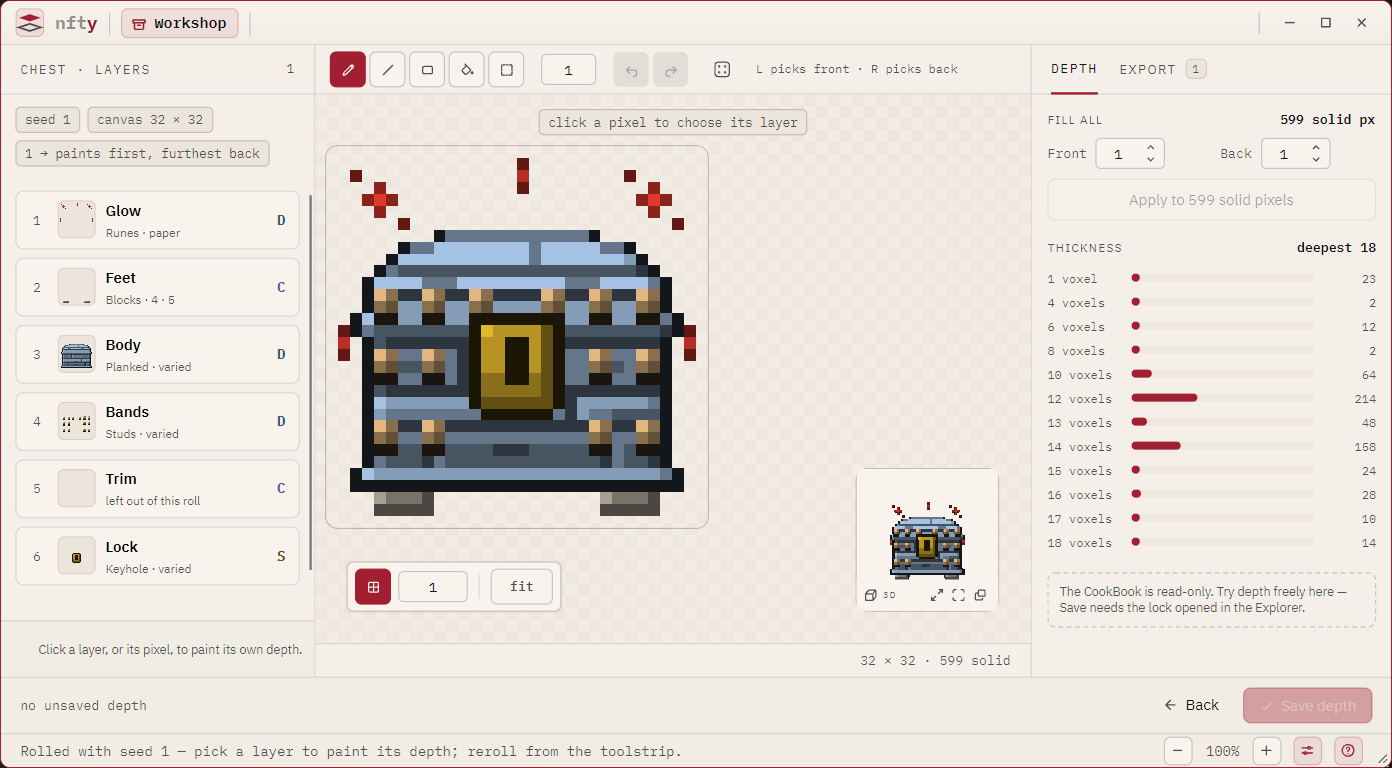
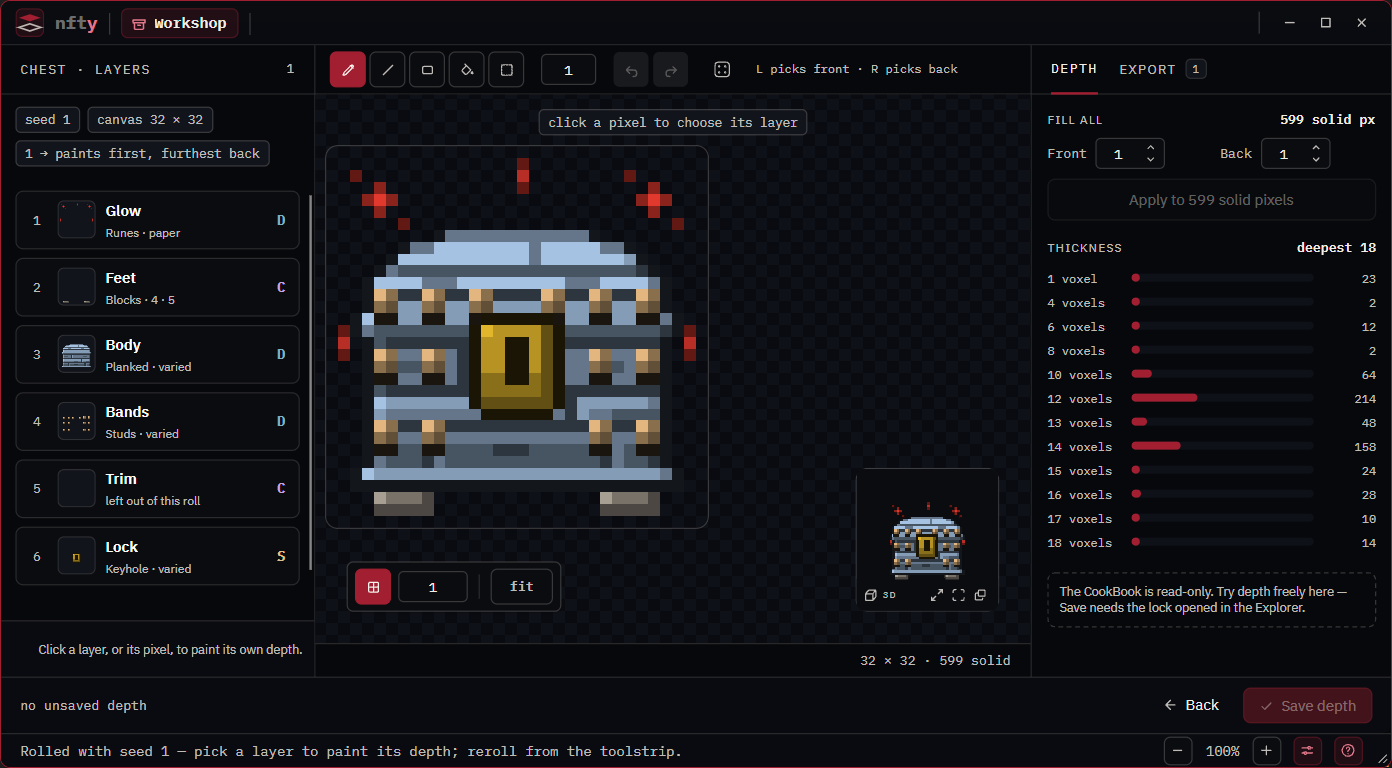
Paint as on any layer: left button front +1, right button back +1, Shift to subtract. Only the chosen layer takes the stroke; pressing on a dimmed pixel does nothing. The 3D tile follows as you paint, and the union of all layers stays what the model uses.
The reach figure tells you how many assets the change will show up in. A variant that is rare reaches few; a body variant used everywhere reaches nearly all of them.
Save
Press Save depth. Every variant you changed, on any layer, is written in one go. The footer counts
them (unsaved depth on 2 variants) until you do.
If the CookBook is locked, painting still works but the footer says saving needs the lock opened in the Explorer.
Things worth knowing
- Undo is one history for the whole page. Undoing a stroke on another layer takes you to that layer.
- Reroll keeps your work. Depth belongs to the variant, so a variant that is in the next roll shows what you painted, and one that is not keeps it until you save.
- A cooked Set cannot be written from here. Open the Recipe, not the Set.