Stop two traits appearing together
Some combinations should never ship: a hat that clips through tall ears, a background that makes a particular aura invisible. A rule forbids one.
Add a rule
- Unlock editing.
- Select the Recipe in the tree — rules live on the Recipe, not the layer.
- Use the RULES panel on the right to add one.
A rule reads when this variant is picked, exclude that one:
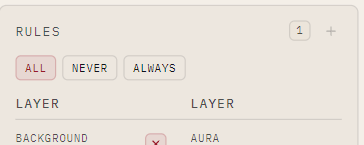
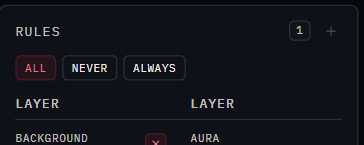
That one says: whenever Background = Rays is rolled, Aura = Spark cannot be. The two are individually fine and never appear on the same asset.
What happens when it fires
nfty rolls a whole asset, checks it against the rules, and re-rolls if a rule is broken. It keeps going until it finds a legal combination.
This means rules shrink the unique space — see Raise the unique-asset count. The Recipe's card shows its art combinations figure with rules already taken into account.
Rules can exclude everything
Enough overlapping rules can leave no legal combination at all. nfty refuses to cook and says so, rather than looping forever. Remove or loosen one and try again.