Reorder the layer stack
Layers paint bottom to top. Depth 1 paints first and sits furthest back; the last one paints over everything.
Move a layer
-
Unlock editing (click the read-only chip in the title bar). Grips appear at the left of each row:
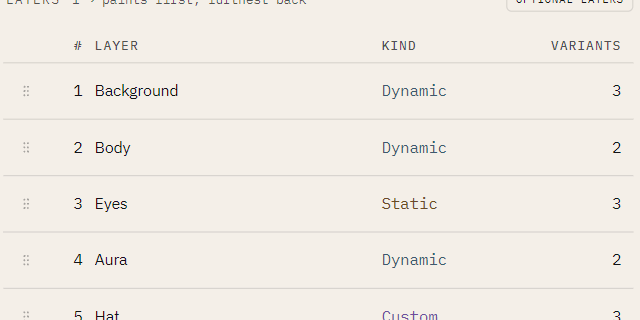
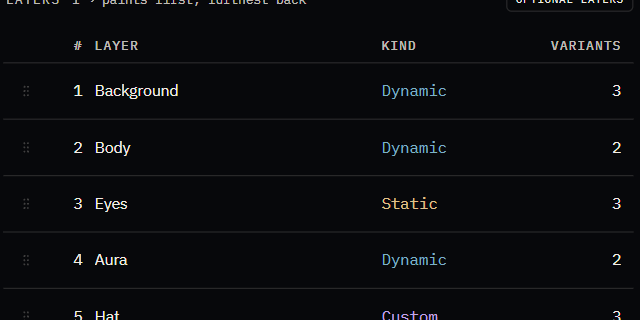
-
Either drag a row by its grip, or select a row and press Alt+Up / Alt+Down.
Both do the same thing. The keyboard route exists so reordering never depends on a steady hand.
Reordering makes a different collection, not the same one rearranged
nfty draws one random number per layer, in order. Move a layer and you move which draw reaches it, so on any layer with more than one variant the selection itself changes.
If you have already cooked a Set from this book, the next cook after a reorder produces different assets — not the same assets restacked. Read Why a seed reproduces a collection before reordering a book you have shipped.