Line one layer up with another
Eyes have to land on a face. A hat has to sit on a head. Reference layers show you the rest of the character while you draw one piece of it.
Turn one on
In the Ingredient Editor, scroll the right-hand panel to IN THIS RECIPE and tick any layer:
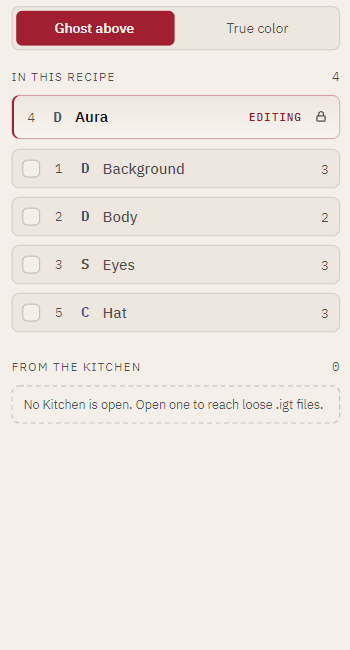
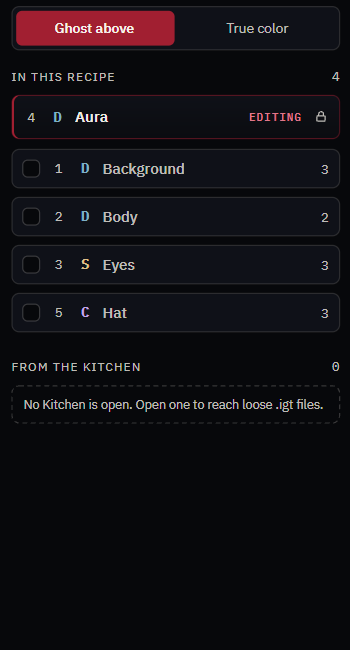
Each one composites at its real depth:
- UNDER — sits below the layer you are editing, drawn normally
- OVER — sits above it, drawn dimmed so it cannot hide your work
The counter at the top right (4 / 6 on) tells you how many are showing.
See the real thing
Ghost above dims the layers above you. True color shows the honest composite instead — what the asset will actually look like. Switch to it to check a fit, switch back to keep drawing.
Borrow from the Kitchen
Below the recipe's own layers, FROM THE KITCHEN lists loose .igt files in your
Kitchen folder. Use it to line art up against a layer that is not in this Recipe —
a shared body you are keeping outside the book, say.