The Explorer
Where a CookBook is read and edited. A tree on the left, a panel on the right that changes with the selection.
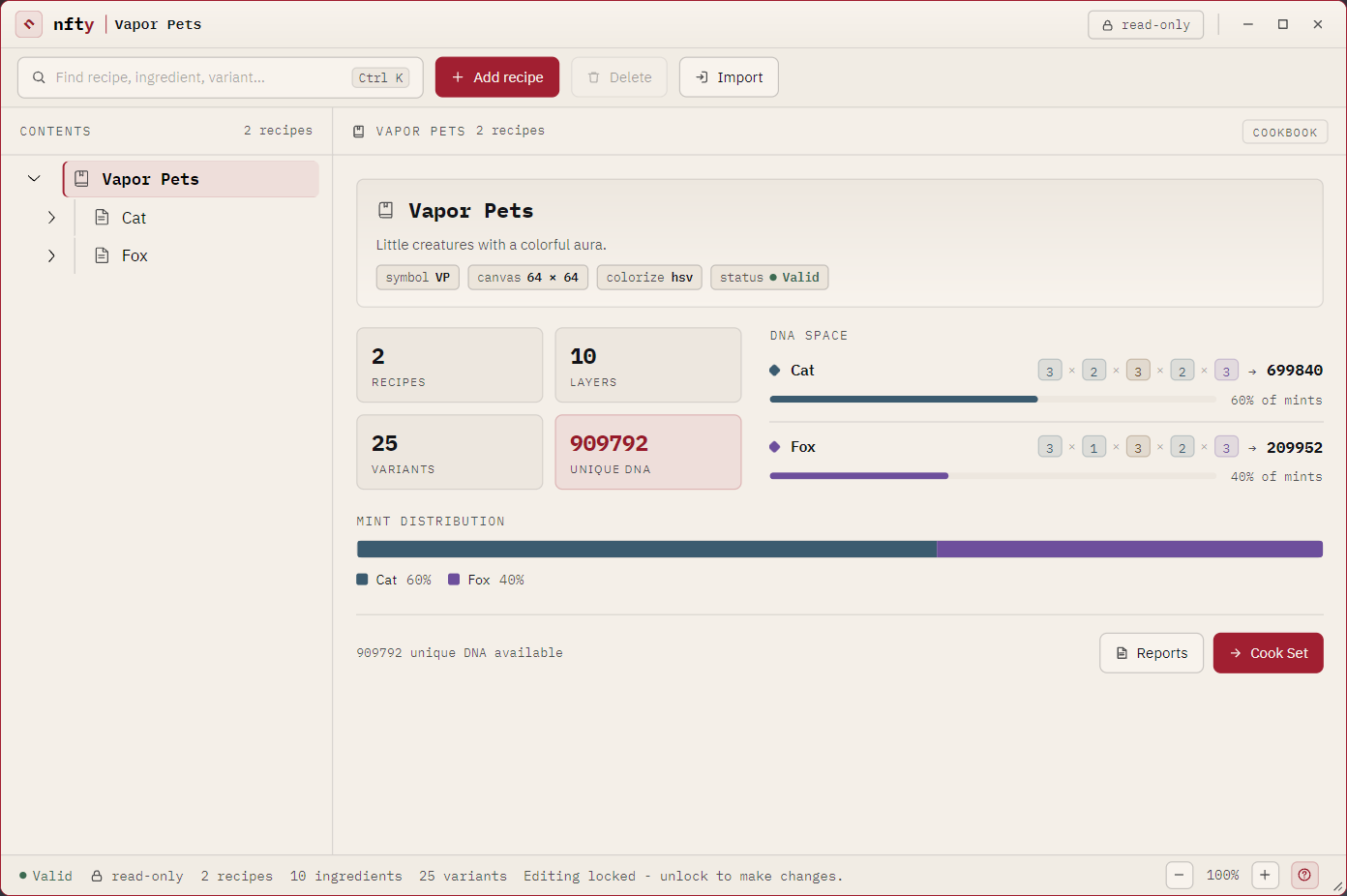
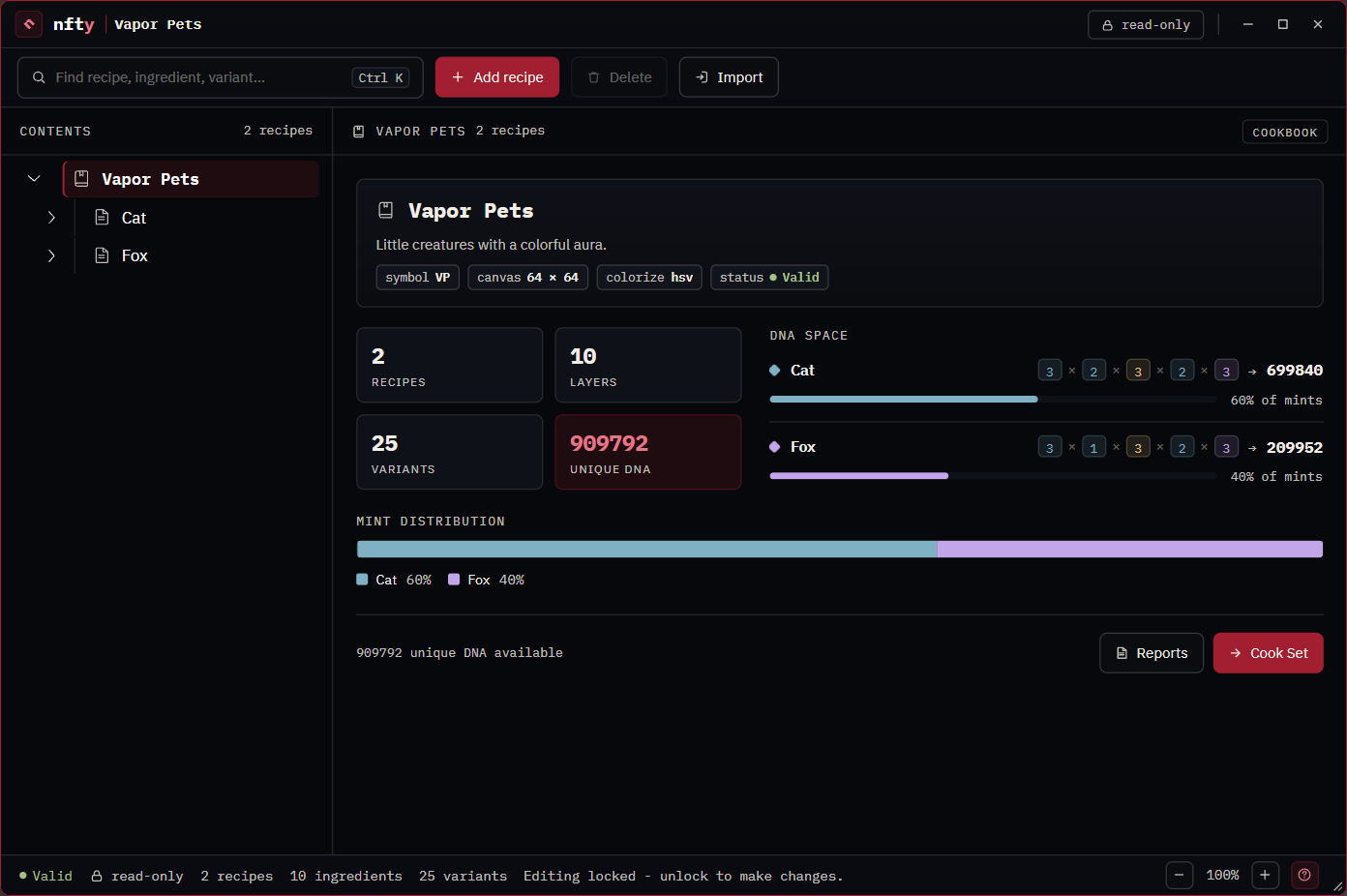
The toolbar
| Control | Does |
|---|---|
| Search | Filters the tree. Ctrl+K focuses it. |
| Add ... | Adds a child of whatever is selected: a Recipe to the book, an Ingredient to a Recipe, a Variant to an Ingredient. Its label follows the selection. |
| Delete | Removes the selected item. |
| Import | Brings a loose .rcp or .igt into the open CookBook. A layer goes into the Recipe you have selected. |
The edit lock
A CookBook opens read-only. The chip in the title bar says which state you are in, and the chip is also the switch — click it to unlock adding, deleting and reordering. Unlocked, it turns carmine and reads editing. The status bar says the same thing in words.
The lock governs structure. Opening the Ingredient Editor and painting is not gated by it.
The tree
CookBook at the root, Recipes under it, Ingredients under those. The letter beside each layer is its kind: Dynamic, Static, Custom.
The CookBook panel
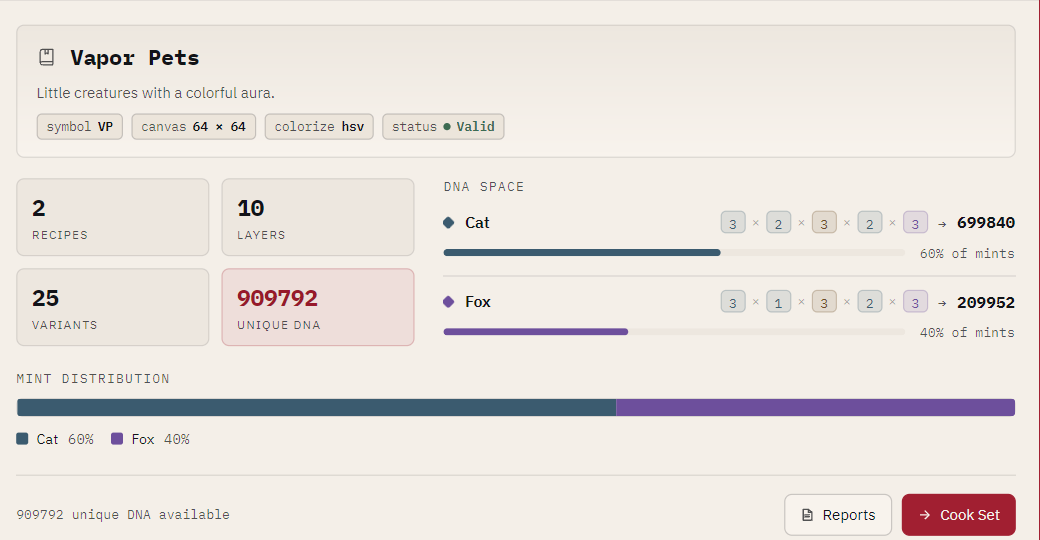
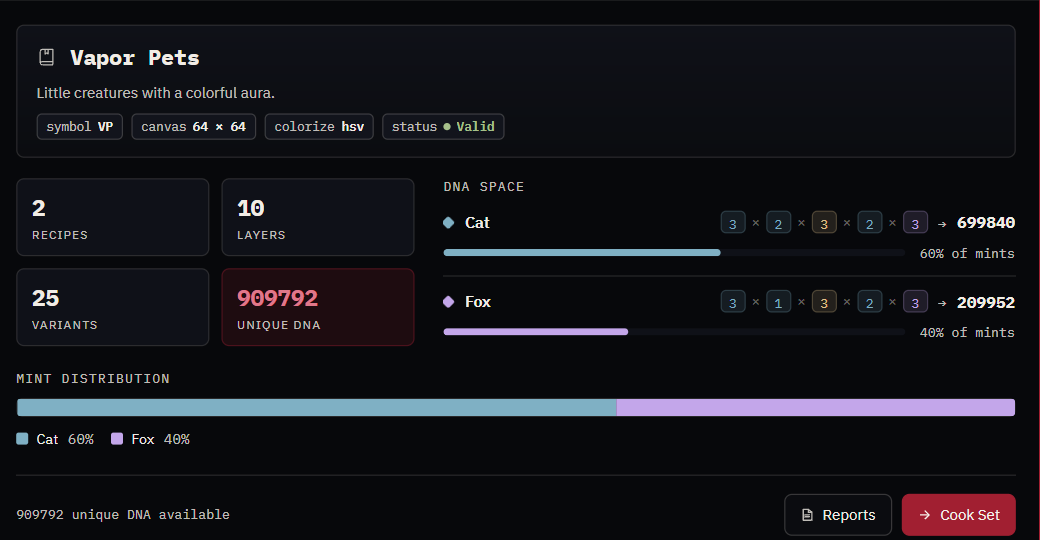
- Identity card -- name, description, symbol, canvas size, colorize model, and validity status.
- Four counts -- recipes, layers, variants, and UNIQUE DNA.
- DNA SPACE -- the arithmetic behind that number, per Recipe, so you can see the bottleneck.
- MINT DISTRIBUTION -- the share each Recipe takes of the collection.
- Reports -- the same text reports the command line prints.
- Cook Set -- opens the Cook dialog.
The Recipe panel
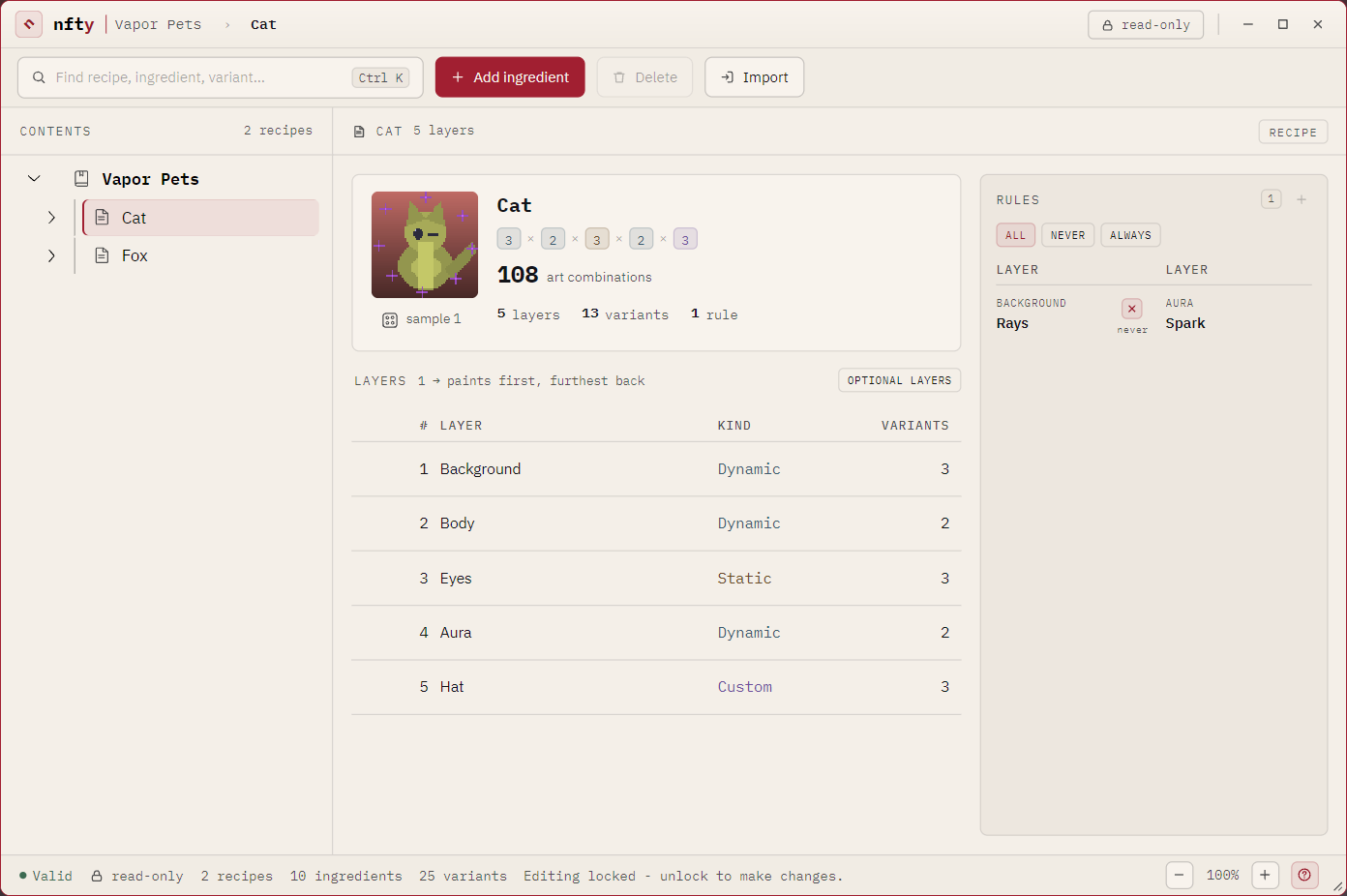
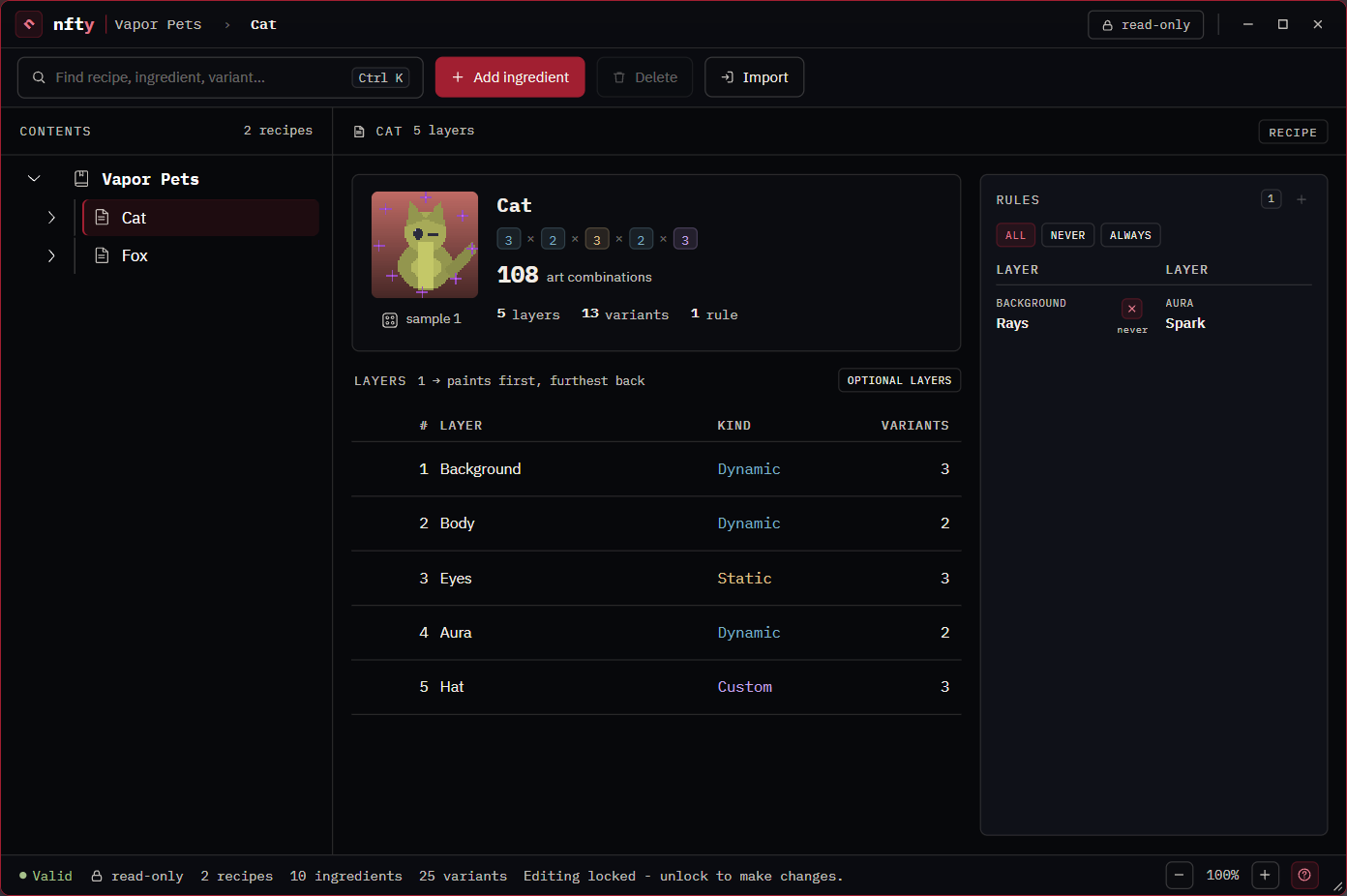
- Identity card -- a rolled preview of this character, the per-layer variant counts multiplied out, and the resulting art combinations.
- LAYERS -- the stack in paint order.
1paints first and sits furthest back. Unlocked, each row gains a drag grip. - RULES -- this Recipe's exclusions.
The Ingredient panel
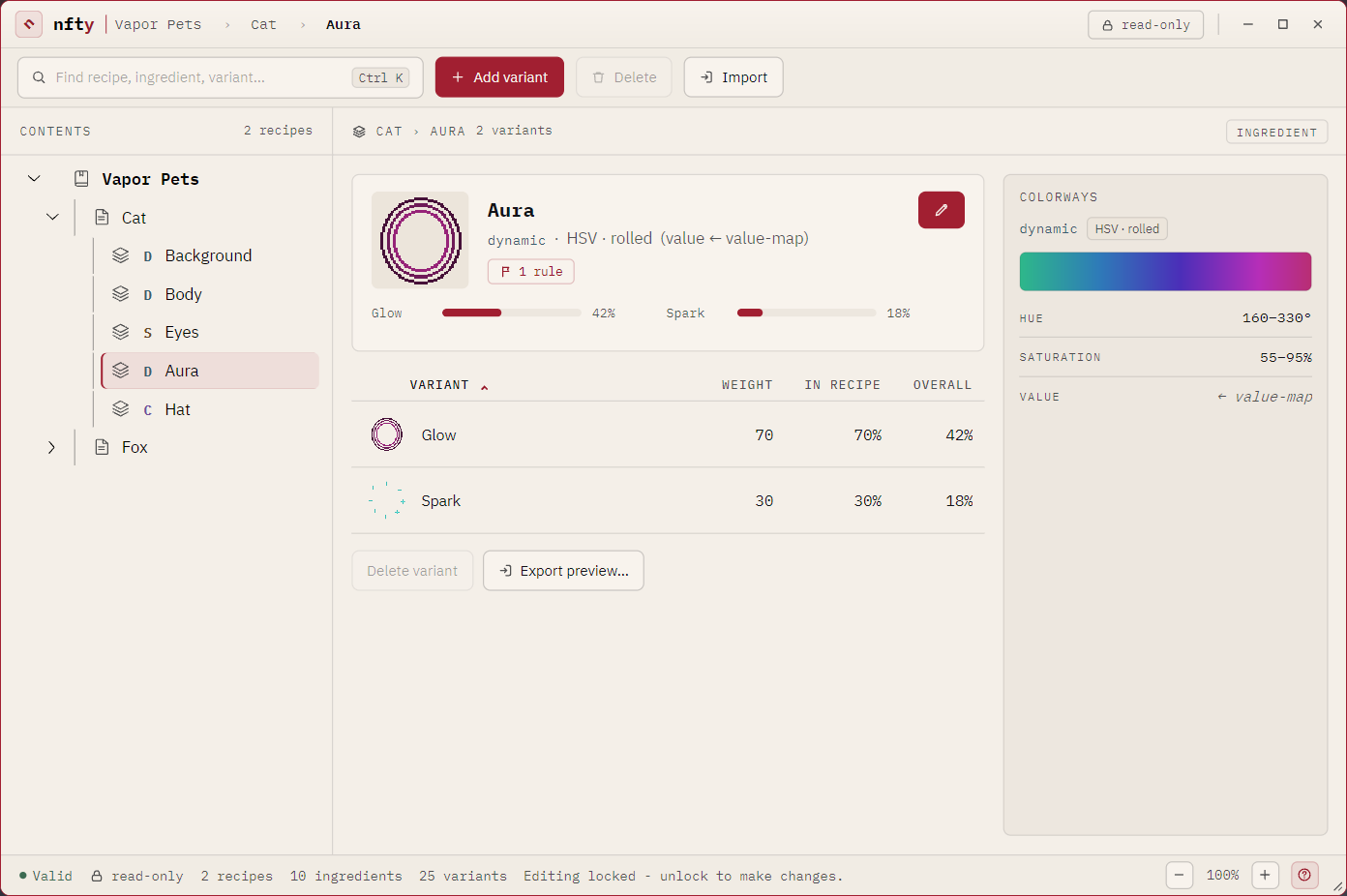
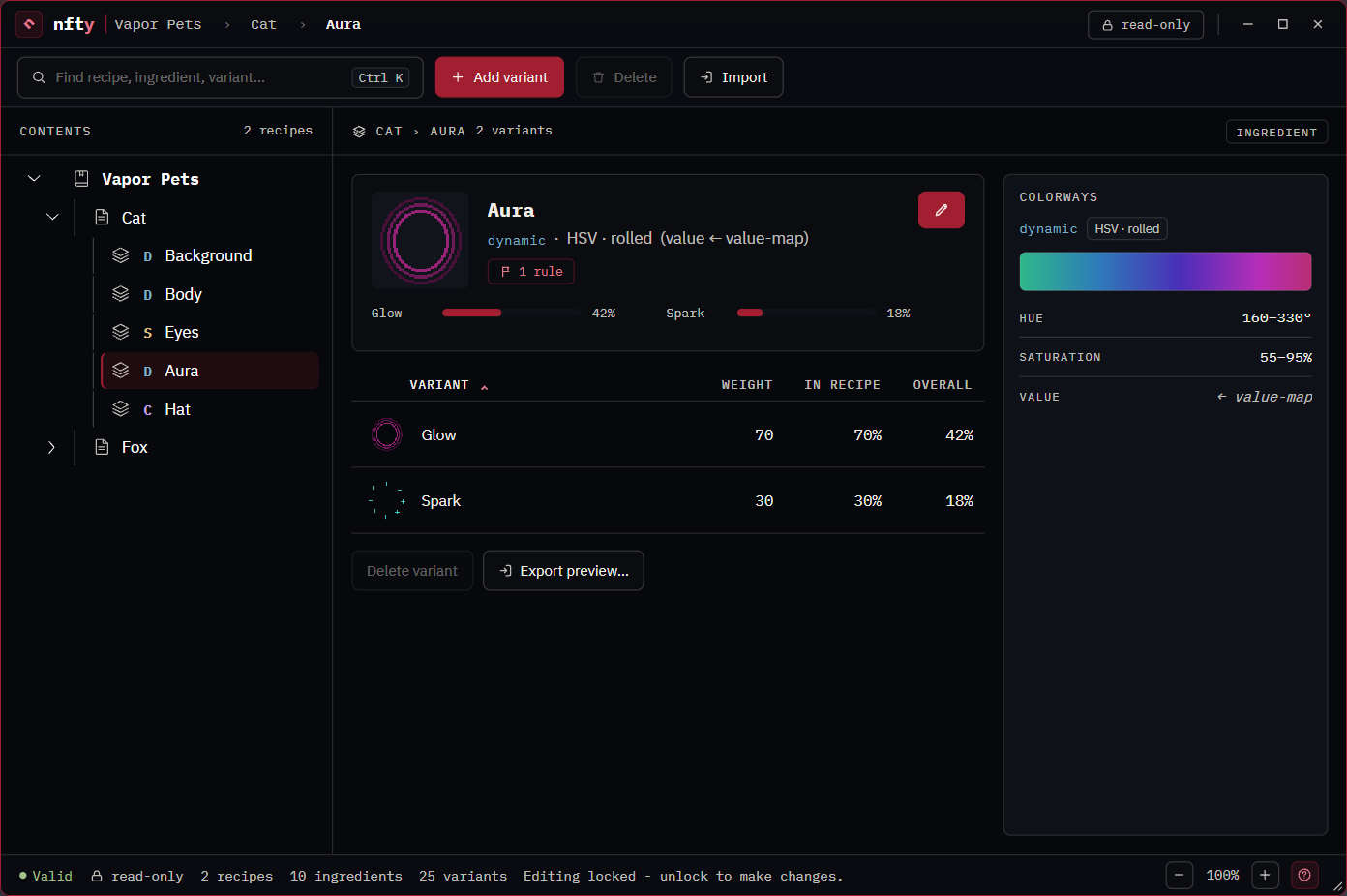
- Identity card -- a preview, the layer's kind and coloring model, and a rule pill if this layer appears in one. The pencil opens the editor.
- VARIANT table -- each option with its raw weight, its share within the Recipe, and its share of the whole collection.
- COLORWAYS -- the band of colors this layer can take, with the hue and saturation ranges under it.
- Export preview... -- writes one variant as generation would render it.
The Cook dialog
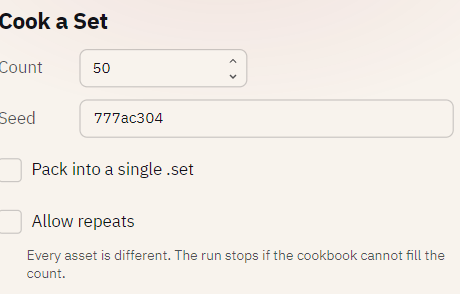
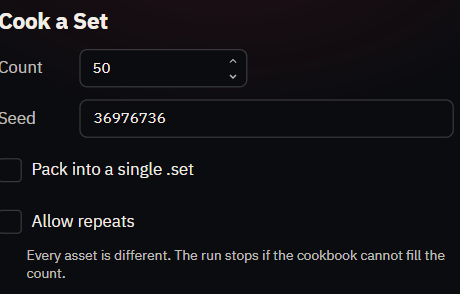
| Field | Means |
|---|---|
| Count | How many assets to make. |
| Seed | Any word. Pre-filled with a random one. The same book and seed always produce the same collection. |
| Pack into a single .set | Also write the output folder as one .set archive. |
The status bar
Validity, lock state, the book's counts, and a line of guidance about whatever you last did. The message belongs to the screen that said it and is cleared when you move to another.