The Ingredient Editor
Three panes: variants on the left, the canvas in the middle, colorize settings on the right.
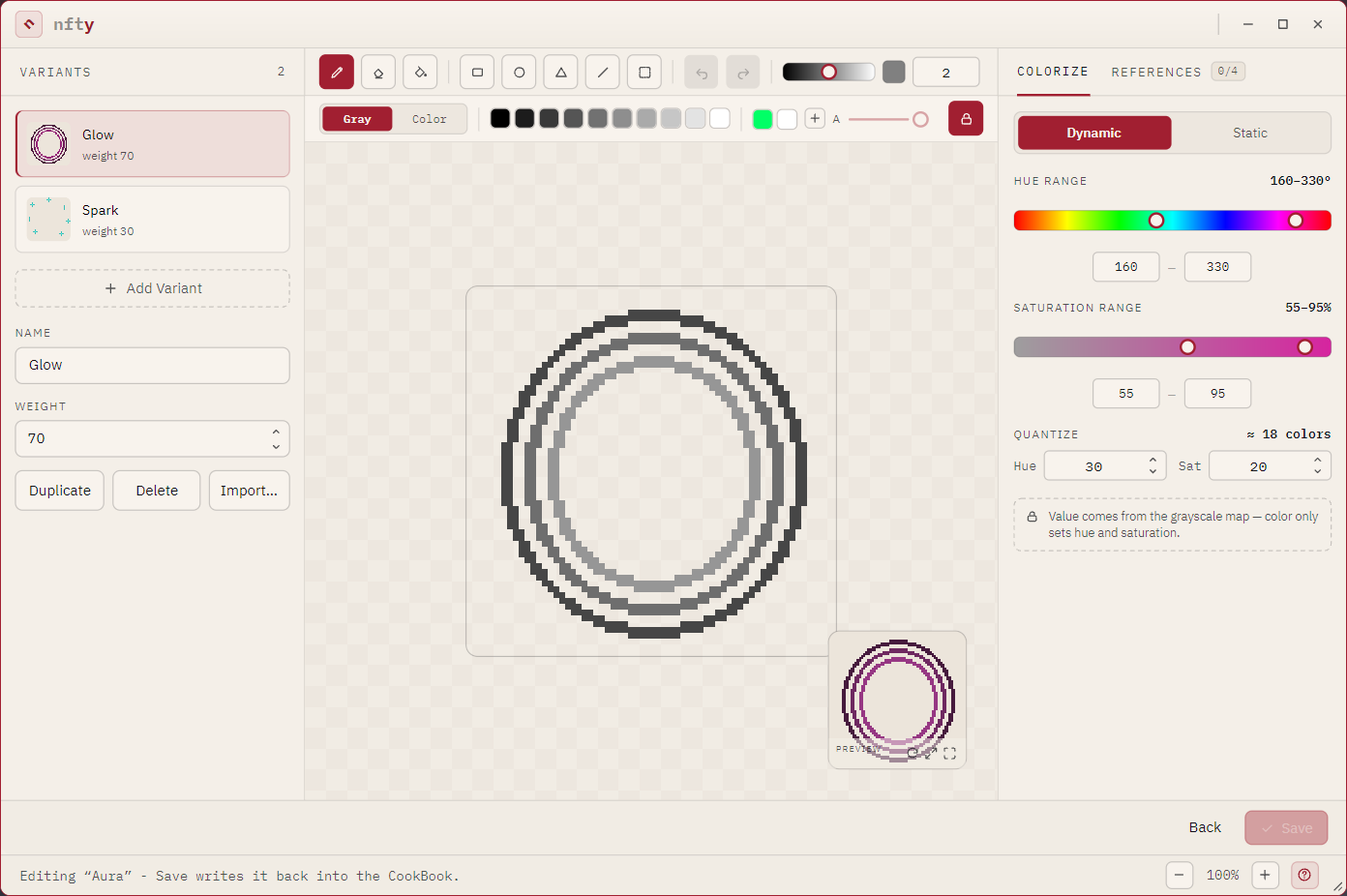
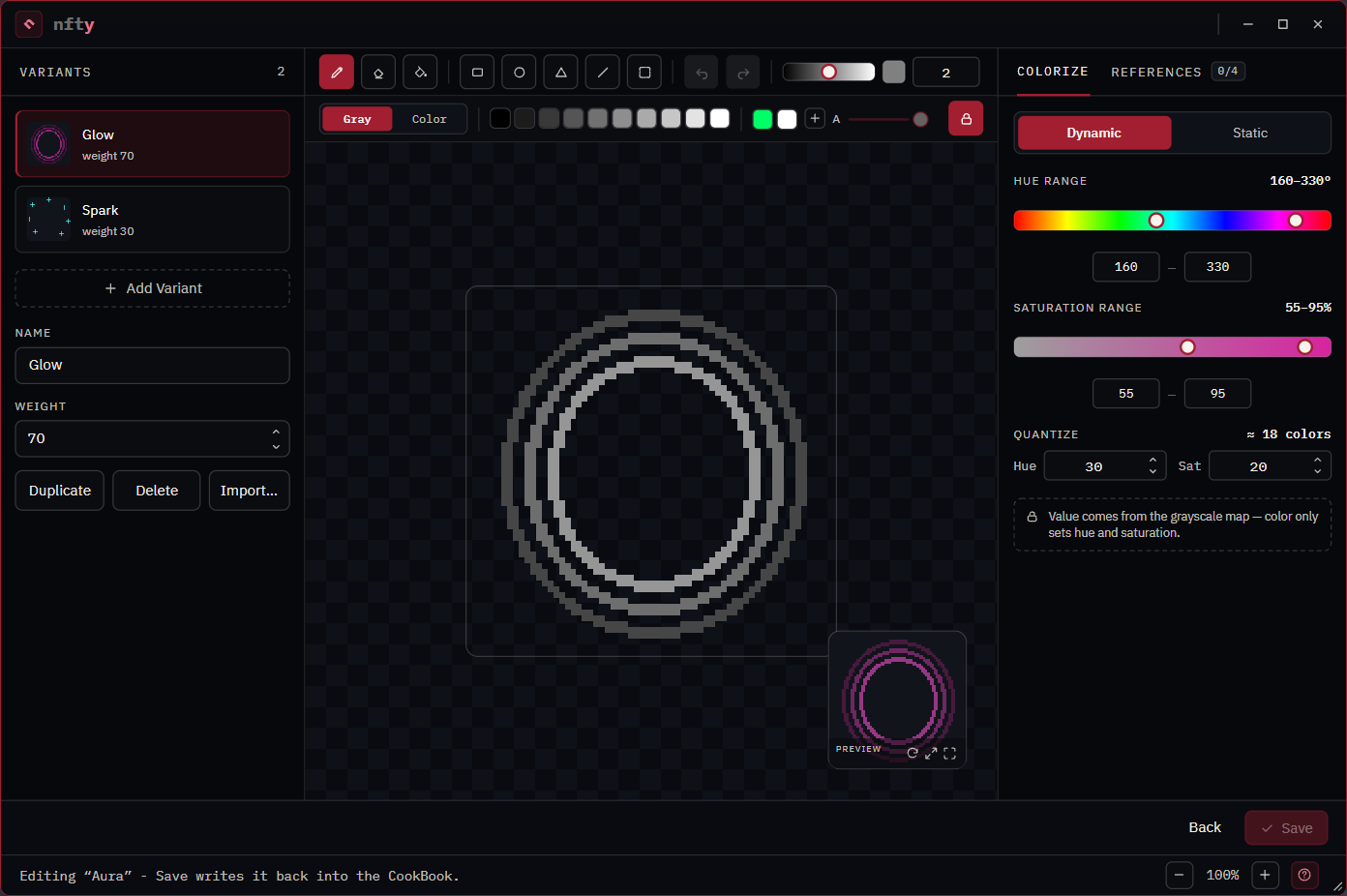
The toolstrip


| Tool | Behavior |
|---|---|
| Pencil | Paints along the drag, at the brush size. |
| Eraser | Clears along the drag. |
| Flood fill | Fills the contiguous region under the click. |
| Rectangle, Ellipse, Triangle | Press at one corner, drag, release. The outline follows the cursor while you drag. |
| Line | Joins where you pressed to where you released, at the brush size. The wandering in between does not count. |
| Select | Two gestures -- see below. |
| Undo / Redo | One step per edit. A move counts as one edit. |
To their right: the value slider, the current swatch, and the brush size.
The palette strip


| Control | Does |
|---|---|
| Gray / Color | Switches paint mode. Color art can only be saved as a Custom layer. |
| Ten swatches | Ten grays, or ten hues in color mode. |
| Saved colors | Colors you kept with +. Right-click one to forget it. A CookBook's own palette appears first and cannot be deleted here. |
| A slider | Alpha. Inactive while the padlock is on. |
| Padlock | The opacity lock. On by default: every pixel fully there or fully erased. |
Select and move
Select is two gestures in one tool, told apart by where the drag starts:
- Drag on empty canvas to mark a rectangle. A dashed marquee shows what is marked.
- Drag from inside the marquee to move those pixels. What they left behind is cleared, and the marquee travels with them.
Marking changes no pixel, so it is not an undo step. Moving is one.
A single click away from the marquee drops it, as does Esc or picking another tool.
The value slider
The black-to-white gradient by the tools. On a gray layer this is what you paint: it sets how bright the pixel is, and therefore how bright it will be after nfty colors it. In color mode it becomes the brightness of the color you are painting.
The colorize rail
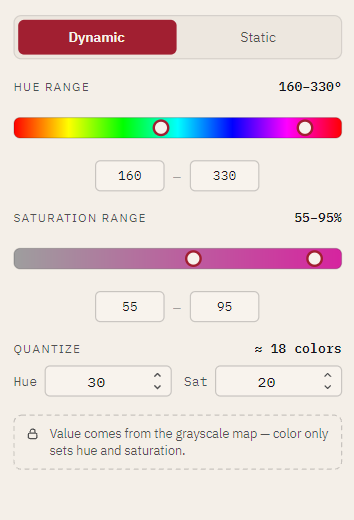
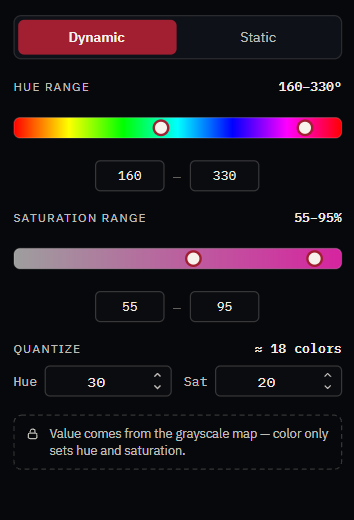
On a Dynamic layer: HUE RANGE and SATURATION RANGE bound the colors this layer can roll, and QUANTIZE decides how finely that space is divided into colors nfty treats as different. The readout beside it shows how many distinct colors the current settings admit.
On a Static layer the rail collapses to one fixed color. On Custom it says colorization does not apply.
In color mode it becomes Paint Hue and Paint Saturation plus a hex field.
Reference layers
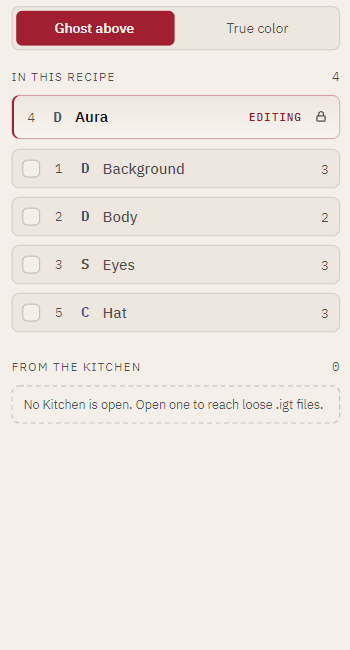
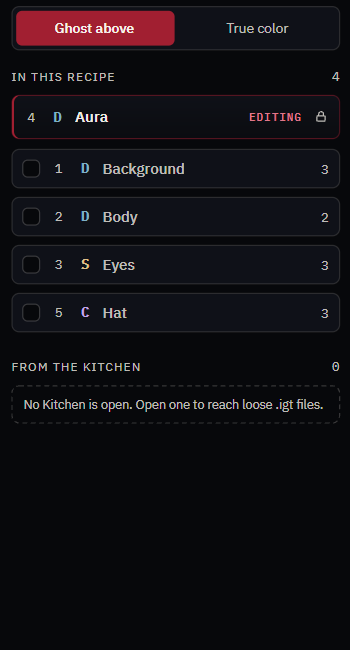
Tick any other layer in the Recipe to composite it at its real depth -- UNDER below you, OVER above. Ghost above dims the ones above so they cannot hide your work; True color shows the honest composite.
FROM THE KITCHEN lists loose .igt files in the open Kitchen.
The preview
Bottom-right of the canvas: this layer rendered exactly as generation would render it, in a sampled color. Its three buttons re-roll the color, enlarge the preview, and let it take over the canvas.
The variant pane
Each variant with its name and weight, plus Add Variant, Duplicate, Delete, and Import image... -- which requires an image at exactly the CookBook's canvas size.