The opening screen
What nfty shows before anything is open.
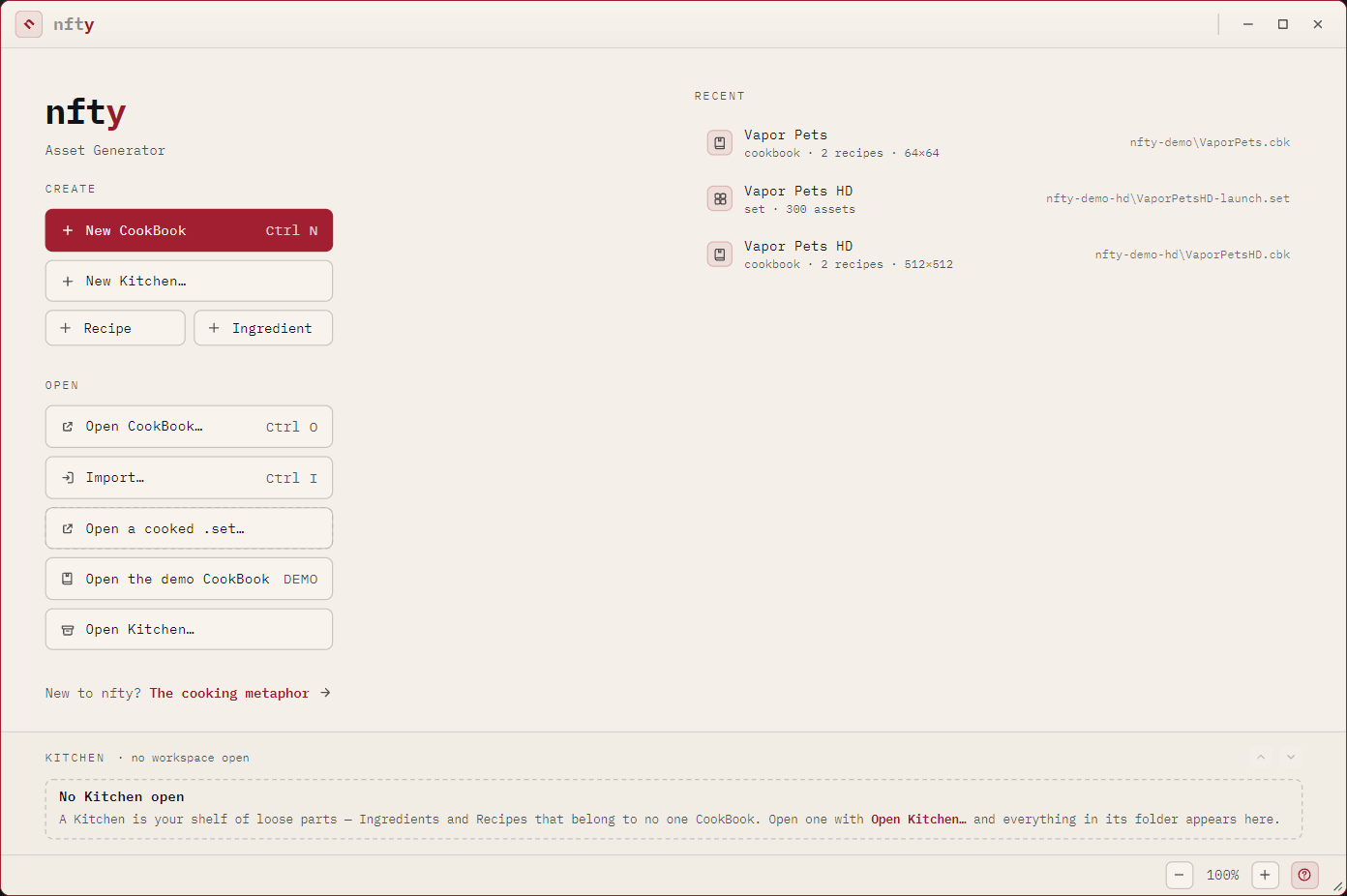
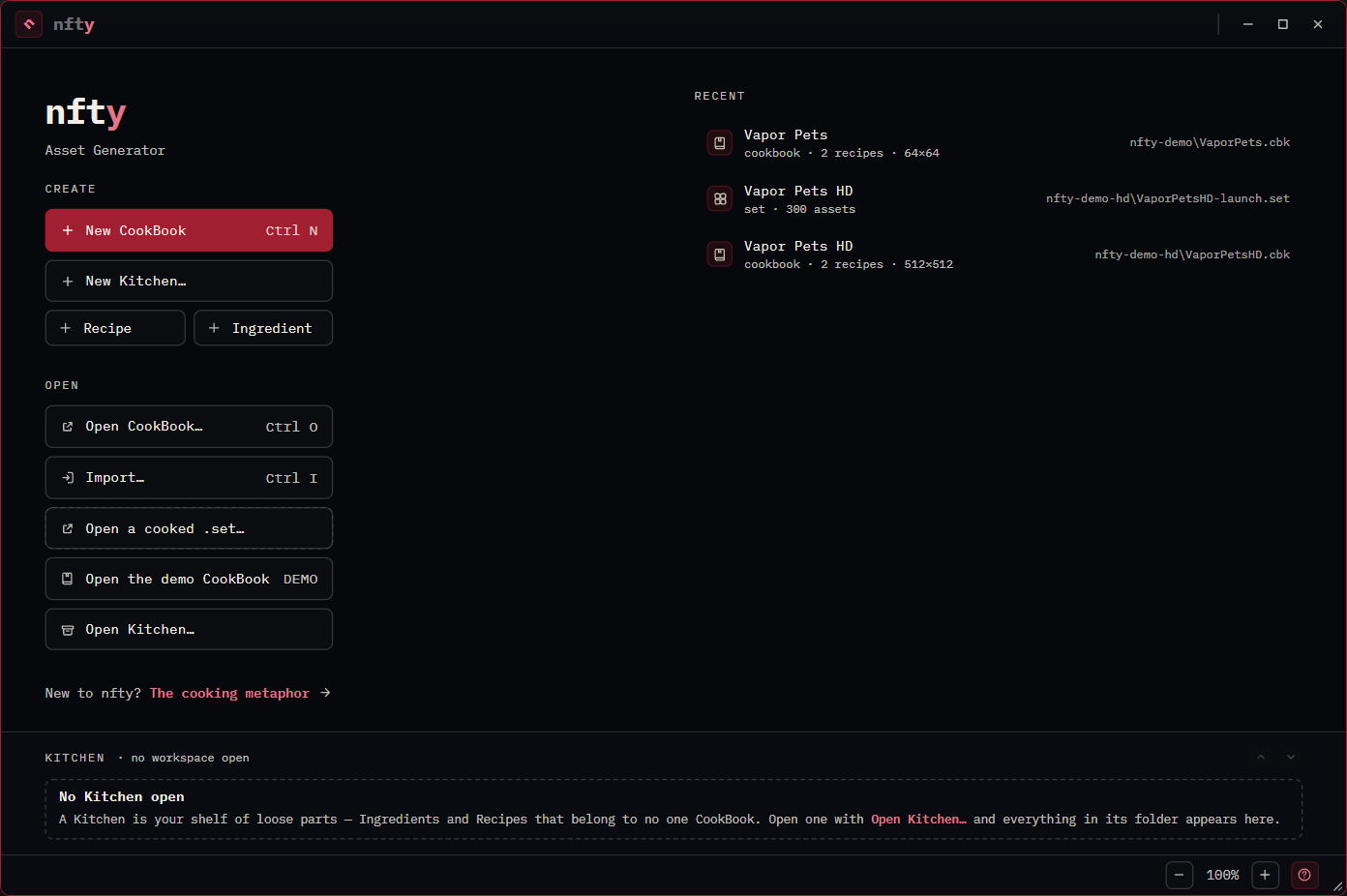
Create
| Control | Makes |
|---|---|
| New CookBook | A new .cbk. Asks for a name, symbol, canvas size, optional target supply and description. |
| New Kitchen... | A new .ktn, turning its folder into a workspace. |
| Recipe | A loose .rcp with no CookBook around it. |
| Ingredient | A loose .igt with no Recipe around it. |
Open
| Control | Opens |
|---|---|
| Open CookBook... | An existing .cbk in the Explorer. |
| Import... | A loose .rcp or .igt. |
| Open a cooked .set... | A packed .set archive in the Set browser. |
| Open the demo CookBook | The sample collection built into nfty. See The demo CookBook. |
| Open Kitchen... | An existing .ktn. |
Recent
The right-hand column lists what you last opened -- name, kind, and full path. Click a row to reopen it. The list holds ten entries and lives with the application, not in your user profile.
The Kitchen shelf
The band along the bottom. It is always present and always the same height, whether a Kitchen is open, none is, or the open one is empty -- so opening a Kitchen never reflows the screen above it.


With one open it lists the folder's contents: CookBooks first, then loose Recipes and Ingredients. The chevrons at the right page through by kind.
The shelf carries no buttons of its own -- Open Kitchen... and New Kitchen... are already in the column to its left.