Paint in full color
Most layers are drawn in gray and colored at generation time. When you want art whose colors are exactly what you painted -- a logo, a detailed background, a piece with several colors in it -- you paint in color and save it as a Custom layer.
Switch to color
The palette strip under the tools has a Gray / Color switch:


Click Color. Three things change:
- the ten swatches become a rainbow
- the right-hand panel becomes Paint Hue and Paint Saturation
- your existing drawing comes with you, in gray, so you can paint over it
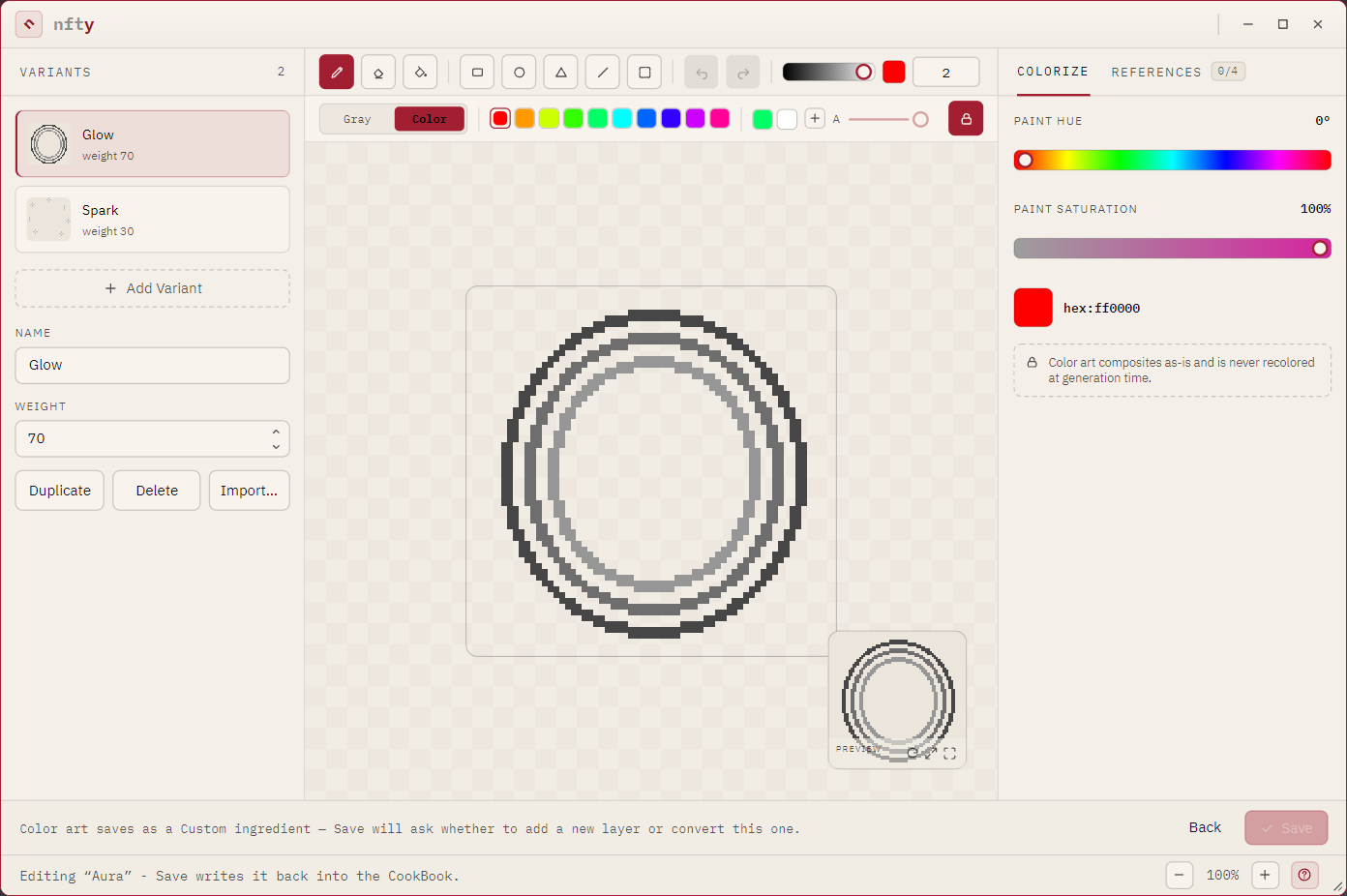
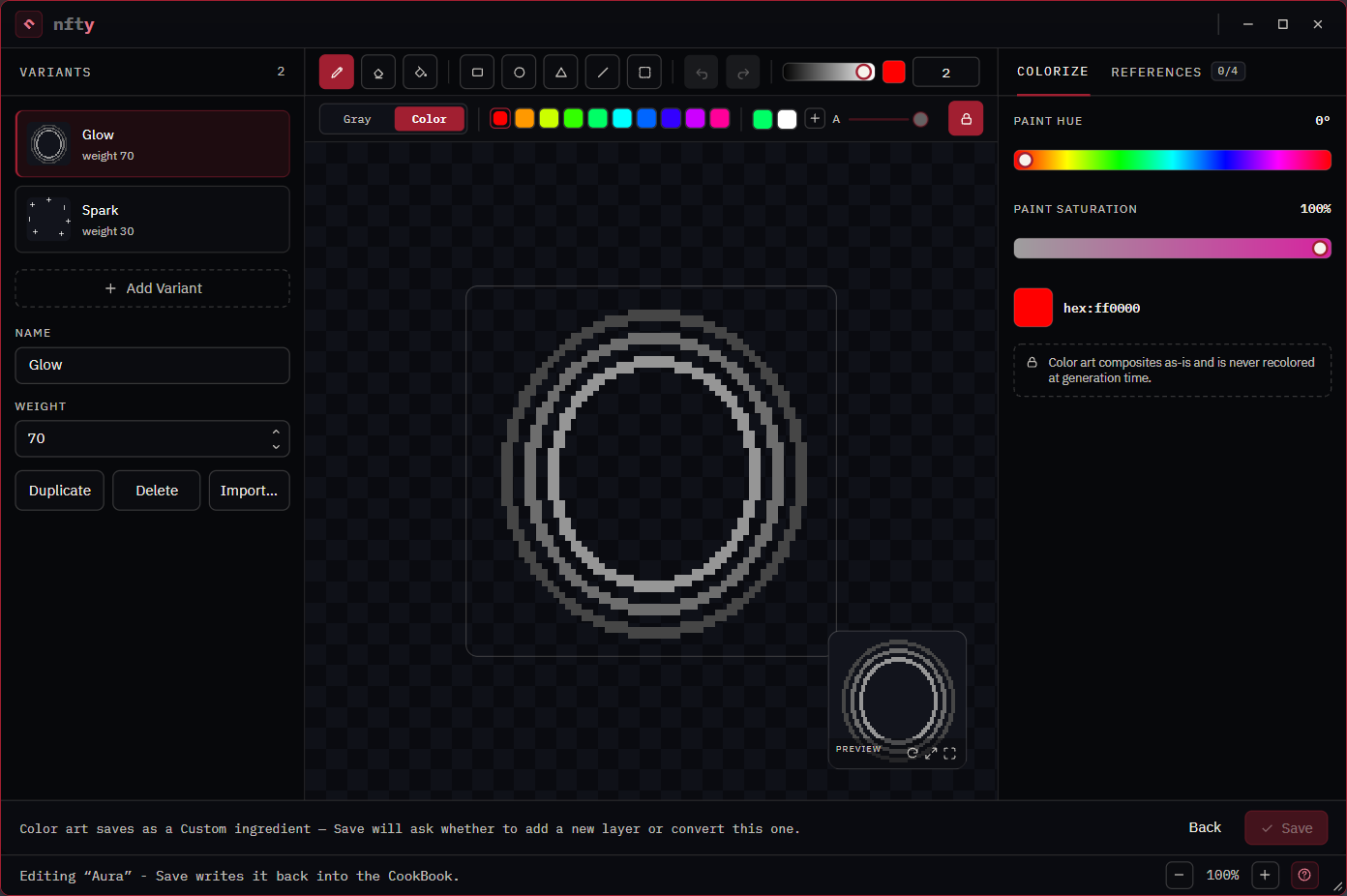
Hue and saturation from the panel, brightness from the value slider by the tools -- those three give you any color. Or type one straight into the hex field.
Save it
Color art can only be saved as a Custom layer, because Custom is the only kind that keeps the colors you drew. So when you save, nfty asks:
- Save as new (the default) -- makes a new Custom layer on top of the Recipe and leaves the original gray layer exactly as it was
- Overwrite -- converts the original layer to Custom
Overwrite discards the color settings
Converting a Dynamic or Static layer to Custom throws away its hue and saturation ranges and its quantize steps. They cannot be recovered. Prefer Save as new unless you are certain.
Keep colors you like
The + button on the palette strip saves the current color. Saved colors persist between sessions. Right-click one to forget it.
A CookBook can also carry its own palette, which travels inside the file -- those appear first and cannot be deleted from the editor.